Quick Answer
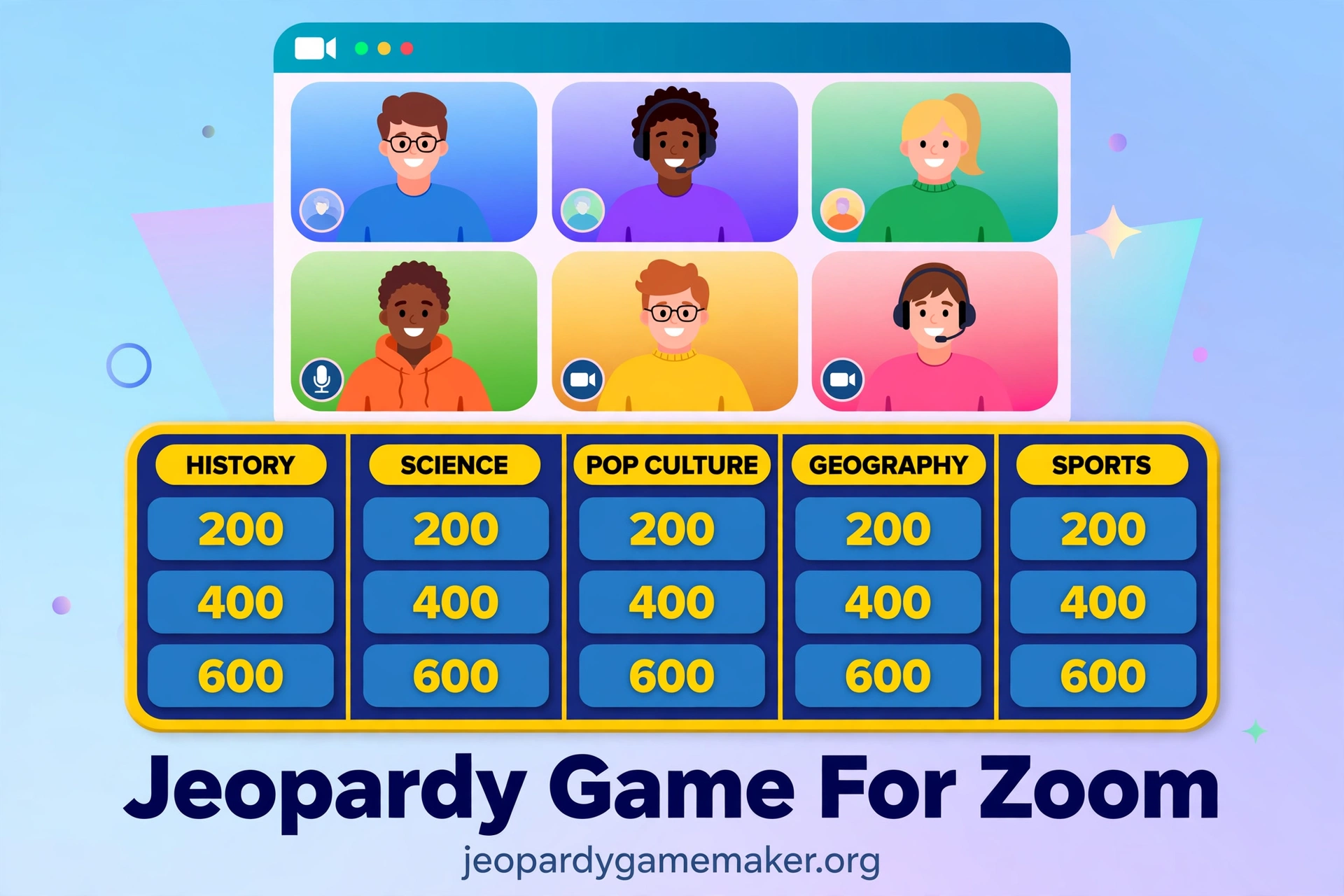
A jeopardy game for zoom lets remote teams play a board game together on one video call.
The host opens a browser board, shares the screen, and reads each clue aloud for everyone.
Teams talk in private, pick a captain, and give one answer per clue through the host.
Players need no account, no download, and no extra app to join the game.
Only the host needs the board open, which keeps setup simple for a remote group.
Why Zoom Changes a Jeopardy Game
In a room, teams can shout, point, and see the board from any chair.
On Zoom, only one screen is shared, so the host must control the pace clearly.
Players cannot all talk at once, or the call turns into noise and no one hears the clue.
A clear buzzing rule solves most of this problem before the first tile is picked.
A short test call also helps, because small text and slow audio ruin a game fast.
How a Browser Board Works on Zoom
The game board lives in the host browser, not inside Zoom itself.
This site has no native Zoom integration, and that limit should be clear from the start.
There are also no phone buzzers in this maker, so teams cannot buzz from a separate app.
What works well is screen share, chat, voice, and breakout rooms, all inside the call.
The host shares the browser tab or window with the board, then opens it in full screen.
Everyone sees the same categories, point values, and used tiles at the same time.
The host clicks a tile, reads the clue, and reveals the answer after a team responds.
Scores stay on the host screen, and the host can say each score aloud after every round.
Set Up in About Ten Minutes
Build the board before the call, not while players are waiting in the meeting.
Write five categories and five clues for each category, with answers the host can check fast.
Open the board in the browser you will share, and test one tile and one answer.
Check that the smallest text is readable when the board is shared in full screen.
Send players only the meeting link, because they do not need a game link to watch.
Tell players the team names, the buzzing rule, and the time limit before you start.
Keep the share link for the board as your backup, in case you must reopen it.
If you switch devices, note that the board saves in the browser on the host device.
Teams and Captains
Split players into two to four teams, because more teams mean fewer turns for each person.
Give each team a captain who speaks for the team and gives the final answer.
Other team members can discuss in chat, in a breakout room, or on mute in the main call.
The captain rule stops five people from answering at once and confusing the host.
Buzzing on Zoom Without a Buzzer App
Since there are no phone buzzers here, use the chat as your buzzer.
The first team name that appears in the chat gets the chance to answer first.
Ask each captain to type only the team name, not the answer, when they buzz.
Give the buzzing team ten seconds to start an answer, or pass to the next team.
If two names appear at almost the same time, trust the chat order and move on.
Do not let teams argue about chat order, or the game will lose its pace fast.
For a group with slow typing, let teams unmute and shout the team name instead.
Pick one buzzing method before the game, and do not change it halfway through.
Private Discussion With Breakout Rooms or Group Chat
Teams need a private place to talk, or they will give the answer away in the main call.
Breakout rooms work best for groups over twenty, because each team gets its own room.
Give teams thirty seconds in a breakout room, then bring everyone back for the answer.
For a small group, a group chat per team is faster and easier than breakout rooms.
Tell teams to return to the main room at once when the time ends.
A Sample Board You Can Copy for Remote Teams
Use this board for a first jeopardy game for zoom, then swap in your own topics for the next game.
It mixes work, movies, food, sport, and world facts, so no team knows every category.
Keep clues short, because long clues are hard to read on a shared screen.
| Office Life | Movies | Food | Sports | World |
|---|---|---|---|---|
| $100 Video call tool. / Zoom | $100 Harry Potter wizard school. / Hogwarts | $100 Guacamole main ingredient. / Avocado | $100 Wimbledon sport. / Tennis | $100 Largest Earth ocean. / Pacific Ocean |
| $200 Short daily meeting. / Standup | $200 Clownfish animated film. / Finding Nemo | $200 Sushi famous country. / Japan | $200 Footballer CR7. / Cristiano Ronaldo | $200 Capital of Australia. / Canberra |
| $300 Shared notes document. / Wiki | $300 Jurassic Park director. / Steven Spielberg | $300 Curry yellow spice. / Turmeric | $300 Pommel horse Olympic sport. / Gymnastics | $300 River through Egypt. / Nile |
| $400 Meeting with no agenda. / Time-waster | $400 Batman home city. / Gotham City | $400 Margherita pizza cheese. / Mozzarella | $400 Marathon distance in km. / 42 | $400 Most natural lakes country. / Canada |
| $500 Remote work across zones. / Async | $500 Seoul family Best Picture film. / Parasite | $500 Raw fish citrus dish. / Ceviche | $500 1930 World Cup host. / Uruguay | $500 Smallest country area. / Vatican City |
Try a template if you want a ready board, then swap in your own clues.
For a ready classroom example, try a Math Jeopardy board with the same format.
Hosting Checklist Before, During, and After
Use this checklist once, so the call does not stall on tech problems.
Check the board, the sound, the teams, and the backup plan before players join.
| Stage | What to Do | Why It Matters |
|---|---|---|
| Before | Build board, test one tile | Catches errors early |
| Before | Share full screen, check text | Everyone can read |
| During | State buzz rule, time limit | Fair answers |
| During | Read clues aloud, say scores | Small screens stay in |
| During | Use breakout rooms, group chat | No answers leaked |
| After | Save share link, note topics | Reuse board later |
If the call drops, the host can rejoin, reopen the share link, and resume from the next tile.
Zoom vs Teams vs Meet for Hosting
All three calls can host a jeopardy game for zoom, because the board is shared from the host browser.
The main differences are screen share, chat buzzing, and breakout rooms, not the board itself.
| Feature | Zoom | Microsoft Teams | Google Meet |
|---|---|---|---|
| Screen share | Tab/window, full screen | Window, full screen | Tab/window, full screen |
| Chat buzzing | Chat name first | Chat name first | Chat name first |
| Breakout rooms | Built in | Built in | Built in |
| Private team chat | Group chat | Team channels | Group chat |
| Best for | Large remote groups | Work teams | School groups |
| Watch out | Small phone text | Extra controls distract | Fewer host controls |
A jeopardy game for zoom works best when the host shares only the board window, not the full desktop.
Sharing the full desktop can show private tabs, messages, and answers by mistake.
On Teams and Meet, the same rule applies: share the board window, and keep other tabs closed.
Troubleshooting on a Video Call
If players say the board text is too small, increase browser zoom and share in full screen.
Shorten category names and clues, because long text fails on phone screens fast.
If audio lags, ask all players except the host and the answering captain to stay muted.
If two teams talk over each other, pause the game and restate the captain rule at once.
If screen share freezes, stop sharing, share again, and resume from the last played tile.
If the host internet drops, a co-host can share the board from the share link instead.
If a player joins late, add them to a team and explain the buzzing rule in chat.
If breakout rooms fail, switch to group chat for team talk and keep playing.
A jeopardy game for zoom should feel like a game night, not a tech support call.
Honest Limits to Know
This maker needs internet, because the board loads in the browser and does not work offline.
If the venue has no internet at all, a printed board or a slide deck is safer.
The board saves in the browser on the host device, so it does not follow you to another laptop by itself.
Keep the share link and a copy of your clues in a document for important games.
This maker is built for text clues and answers, not for picture, audio, or video rounds.
If you need media rounds, run them separately and keep the board for text clues.
For more subject ideas, browse the Jeopardy games by topic page before you build your next board.
What to do next
A jeopardy game for zoom is ready to test in one short call.
- Build a board with five categories and five clues for each category.
- Pick two to four teams, name a captain for each team, and set the buzzing rule.
- Test screen share, board text size, and one tile before players join.
- Play one short round, then fix any clues that were unclear or too long.
If you want step-by-step help with the maker, read the how-to guide before you build your first board.
Final Thoughts
A jeopardy game for zoom works when the host is clear, the rules are simple, and the board is easy to read.
Keep teams small, keep clues short, and keep the pace moving with a firm time limit.
The best remote board is the one you can run again next week with new clues.
A jeopardy game for zoom does not need fancy tools, just one shared screen and fair rules.
FAQs
1. Can I play a Jeopardy game on Zoom for free?
Yes, the host can share a browser board on Zoom for free, and players need no account to watch and answer.
2. Do players need to download Zoom or a game app?
Players need Zoom to join the call, but they need no game app, because they watch the shared board.
3. How do teams buzz in on Zoom without a buzzer app?
Captains type their team name in the chat, and the first name in the chat answers first.
4. Can I use breakout rooms for team discussion?
Yes, use breakout rooms for large groups, or group chat for small groups, then return for the answer.
5. How many teams can play a Jeopardy game on Zoom?
This maker supports two to four teams, and each team should have one captain who gives the answer.
6. What happens if screen share or internet fails during the game?
Stop sharing and share again, or reopen the board from the share link, and keep a printed clue list as backup.