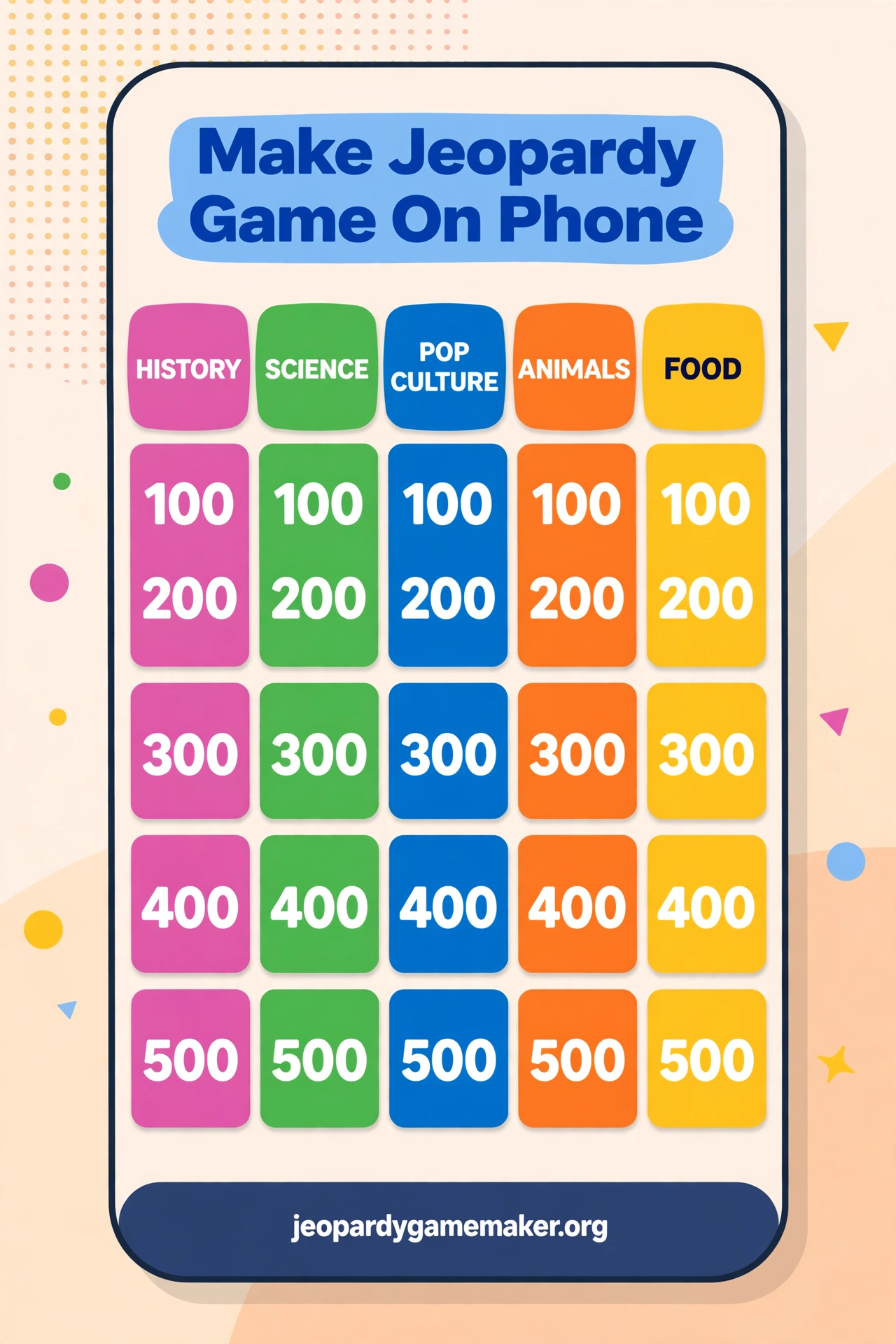
You can make jeopardy game on phone in minutes, right in your phone browser, with no app to install and no account to create.
You type your categories, clues, and answers on the same screen you use every day. Then you share one link and play the board with your class, family, or friends.
This guide shows the full phone workflow. It covers setup, small screen editing, sharing, scoring, and play, plus honest limits to know before you start.
Quick Answer
Open the free maker in your phone browser and start with a blank board. Add five categories and five clues for each category.
Write short clues that are easy to read on a small screen. Save your work as you go, then share the link with your players.
When you are ready to play, open the same link on a larger screen if you can. Your phone can still run the whole game if a larger screen is not available.
Why a Phone Works So Well
Most people already carry their best game tool in their pocket. A phone is always nearby, and it opens a browser in seconds.
You do not need to wait for a computer to start. You can build a board while you wait, travel, or plan a lesson.
A phone also makes last minute changes easy. You can fix a typo, swap a clue, or add a category just before play starts.
The maker is built for the browser, not for a download. That keeps the process simple and avoids storage problems on your phone.
Before You Start
Pick your topic before you open the editor. A clear topic makes writing clues much faster on a small screen.
Choose five categories that fit that topic. Keep each category name short, so it fits neatly on the board.
Plan 25 clues in total, five for each category. Start with easy clues at 100 points and harder clues at 500 points.
Keep answers short and exact. Short answers are easier to type, easier to read, and easier to judge during play.
Step 1: Open the Maker
Open your phone browser and go to the game maker. No app download is needed, and no signup is required to start.
Tap the editor area and check that the board loads. You should see five categories and five point rows for each one.
If the text looks small, pinch to zoom in while you edit. You can zoom back out to see the full board.
Step 2: Add Your Categories
Tap the first category box and type a short name. Good names are clear, like Animals, Food, Science, Sports, and Words.
Move across the row and fill all five categories. Avoid long category names that wrap onto two lines on a phone.
Step 3: Write Short Clues
Tap a clue box and write one clear question or prompt. Keep it to one short sentence where possible.
Avoid clues that need a long explanation. On a phone, long clues are hard to read and hard to check.
Write the answer in its matching box. Keep the answer short, like a name, a number, or a single word.
Step 4: Set the Point Values
Use the standard point ladder for a simple game. Start at 100 points and rise to 500 points in each category.
Easy clues belong at 100 and 200 points. Medium clues belong at 300 points, and the hardest clues belong at 400 and 500.
You can edit point values if your group needs a different range. Keep the ladder clear so players understand the risk and reward.
Step 5: Check, Save, and Share
Read your board once from top to bottom. Fix spelling, check answers, and remove any clue that is unclear.
Your work saves in the browser as you edit. Still, keep the share link safe once you have created it.
Copy the share link and send it to your players. They can open the same board without installing anything.
Test the link on another phone if you can. A quick test catches a broken link before game time.
Editing on a Small Screen
Small screens reward short text and simple steps. Write in short bursts, then check the board after each category.
Rotate your phone sideways for a wider board view. Landscape view can make categories and clues easier to read.
A Sample Phone Friendly Board
The board below uses short clues and short answers. It is easy to read on a phone and easy to adapt for your own topic.
| Category | $100 | $200 | $300 | $400 | $500 |
|---|---|---|---|---|---|
| Animals | Clue: It barks and wags its tail. Answer: Dog. | Clue: It purrs and chases mice. Answer: Cat. | Clue: It is the largest land animal. Answer: Elephant. | Clue: It changes colour to hide. Answer: Chameleon. | Clue: It is a flightless bird from Antarctica. Answer: Penguin. |
| Food | Clue: It is a yellow fruit monkeys love. Answer: Banana. | Clue: It is made from milk and melts on pizza. Answer: Cheese. | Clue: It is a red fruit used in salads. Answer: Tomato. | Clue: It is a grain used for bread and pasta. Answer: Wheat. | Clue: It is a spice that makes food hot. Answer: Chilli. |
| Science | Clue: It is the planet we live on. Answer: Earth. | Clue: It is the force that pulls things down. Answer: Gravity. | Clue: It is the gas plants need to grow. Answer: Carbon dioxide. | Clue: It is the fastest thing in space. Answer: Light. | Clue: It is the chemical symbol for gold. Answer: Au. |
| Sports | Clue: It is played with a bat and ball. Answer: Cricket. | Clue: It has 11 players on each team. Answer: Football. | Clue: It is played on ice with a puck. Answer: Hockey. | Clue: It is a race run over 42 kilometres. Answer: Marathon. | Clue: It is the sport of the Olympic rings. Answer: Athletics. |
| Words | Clue: It means happy in another word. Answer: Joyful. | Clue: It is the opposite of hot. Answer: Cold. | Clue: It means to run very fast. Answer: Sprint. | Clue: It is a word for a small story. Answer: Tale. | Clue: It means brave in another word. Answer: Courageous. |
You can copy this structure and change every clue. Keep the same short style, and your phone board will stay easy to read.
If you need a ready subject board first, try a template and edit it on your phone. A Math Jeopardy board is also a good model for short, clear clues.
Share It With One Link
Sharing is the best part of a phone built game. One link carries the whole board to every player.
Send the link by message, email, or classroom chat. Players open it in a browser and see the same board.
Play It on a Phone, Tablet, or Big Screen
You can play the whole game on one phone, but a bigger screen is better for a group. Cast or mirror your phone to a TV if you can.
For a classroom, open the shared board on a projector or smartboard. Players can still buzz in by voice or by raising a hand.
For a family game, pass one phone around or place it where everyone can see it. Keep the room bright so the screen stays readable.
Use 2 to 4 teams for a simple game. Give each team a captain to answer, so turns stay clear and fair.
Read each clue aloud for the group. This helps players who cannot see the small screen clearly.
For more board ideas, browse Jeopardy games by topic before your next game night or lesson.
Honest Limits
The maker runs in a phone browser, and that is also its main limit. It is not a native mobile app, so do not expect app store features.
There are no phone buzzers built into the maker. Use voice answers, raised hands, or team captains instead.
There is no native Zoom integration and no downloadable slides template in this maker. Screen sharing and a shared link are the simple ways to play online.
Small screens can make long boards hard to scan. Short clues, large text on a shared screen, and a bigger display for group play all help.
These limits do not stop a good game. They just mean you should plan the display and buzzing method before you start.
For the full step by step method, see the how-to guide and adapt its steps to your phone.
Troubleshooting on a Phone
If the board looks too small, rotate your phone or zoom in. Landscape view often fixes a cramped board at once.
If a clue will not save, check your connection and try again. Do not close the browser until the board looks correct.
If the share link opens an old board, you may have shared an older link. Copy the latest link and send it again.
Phone-built boards for a family game night
A family game night is a perfect use for a phone-built board, because the phone is already in the room. One person builds the board, and everyone else just watches and answers.
Use family topics that every age can enjoy, such as food, animals, movies, and music. Avoid school topics for a family night, or younger players will feel left out.
Keep the phone on the table where everyone can see the score, or cast it to the TV if you can. A board no one can read will slow the game down, even if the clues are good.
Let a different family member pick the categories each round. That small change keeps the game fair, and it stops one person from choosing only the topics they know best.
Phone-built boards for a classroom quiz
A classroom quiz is a natural use for a phone-built board, because the teacher can build it during a free period.
Write the categories on paper first, then type them into the phone. Planning on paper is faster than typing and deleting on a small screen.
Keep every clue to one short sentence, so it reads clearly when the board is shown on a larger screen.
Share the link with one colleague before the quiz. A quick second pair of eyes catches unclear clues before students see them.
What to do next
Build your first phone board today with five short categories. Start with the sample board above and change it to your topic.
Share the link with one friend or student first. A small test run will show you what to fix before a full game.
Then play a short round with 2 to 4 teams. Keep clues short, read them aloud, and enjoy the game you built on your phone.
Final Thoughts
A phone is enough to build a real Jeopardy style game. You do not need a computer, a download, or a signup to start.
Short clues, clear categories, and one share link do most of the work. A bigger screen helps for groups, but it is not required.
Build it on your phone, share it with one link, and play it anywhere. That simple workflow is what makes phone games so useful.
FAQs
1. Can I really build a full game on my phone?
Yes. You can add five categories, 25 clues, and answers in your phone browser, then share the board with one link.
2. Do I need to download an app to play?
No. The maker runs in a phone browser, so there is no app to download and no account signup needed to start.
3. How do players buzz in on a phone game?
There are no built in phone buzzers. Use voice answers, raised hands, or team captains to keep turns clear and fair.
4. Can I play a phone built game on a big screen?
Yes. Open the shared link on a tablet, laptop, projector, or TV, and read clues aloud for the whole group.
5. What makes a clue phone friendly?
Short clues work best. Use one clear sentence, a short answer, and avoid long text that is hard to read on a small screen.
6. Will my board save if I close the browser?
Your board saves in the browser as you edit, but keep the share link safe. Test the link before game time to avoid surprises.