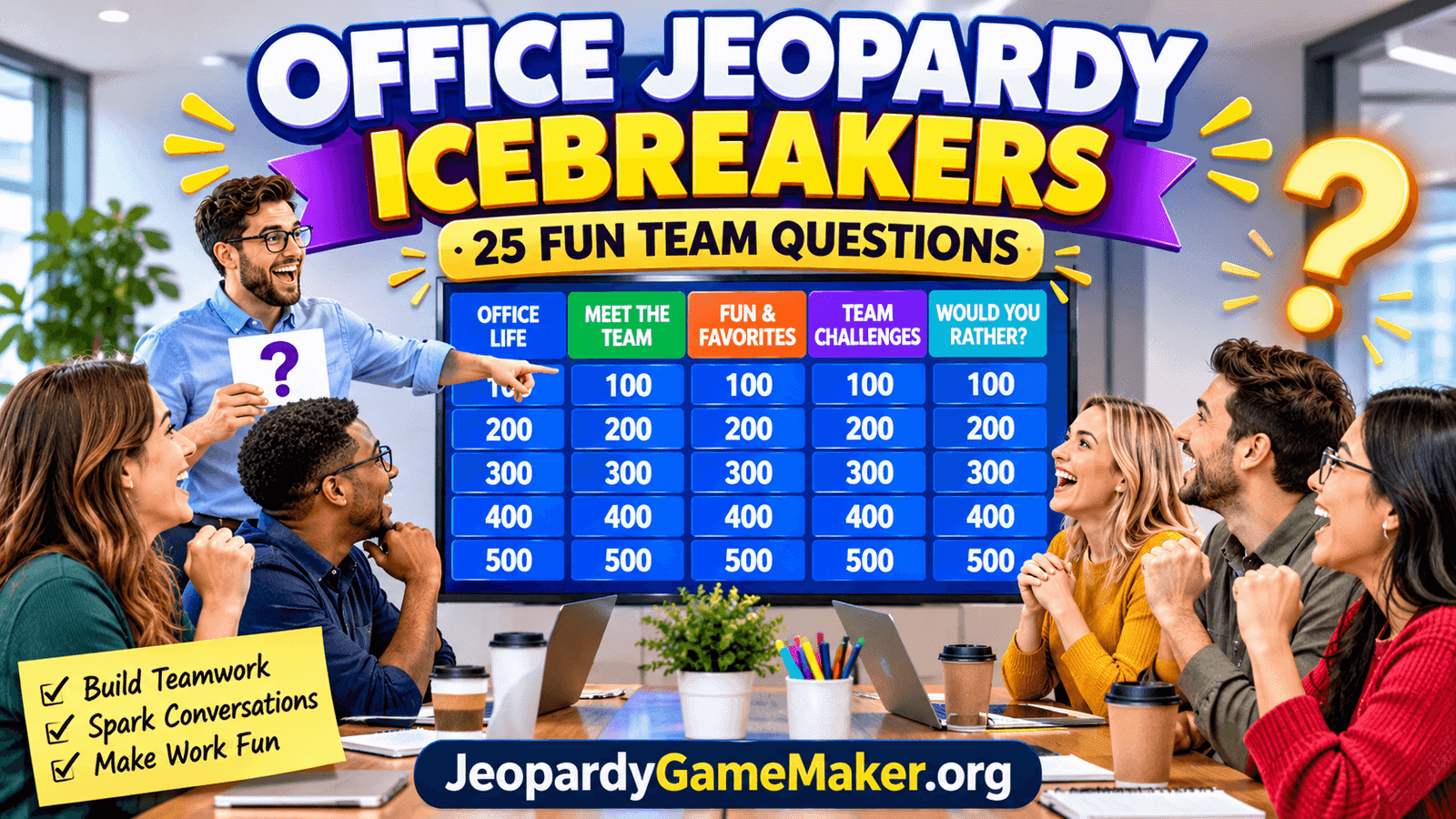
This game combines the familiar Jeopardy-style quiz board with workplace trivia, friendly challenges, personal preferences, and team-building questions. Instead of asking everyone to introduce themselves one by one, employees choose categories, select point values, and answer fun prompts together.
Whether you are planning a team meeting, employee onboarding session, company celebration, training day, or virtual get-together, this activity gives everyone an easy way to participate. It works for small departments, large offices, hybrid teams, and remote coworkers.
In this guide, you will find five ready-to-use categories, 25 office icebreaker prompts, suggested responses, simple rules, and creative ways to customize your own game.
Table of Contents
- What Is Office Jeopardy?
- Why Use Office Jeopardy Icebreakers?
- How to Play the Game
- 25 Office Jeopardy Icebreaker Questions
- Five Categories for Your Game Board
- Office Jeopardy for Remote Teams
- Using Jeopardy for Employee Onboarding
- Tips for a Successful Office Game
- How to Create a Custom Office Jeopardy Game
- Frequently Asked Questions
What Is Office Jeopardy?
Office Jeopardy is a team-building quiz game inspired by the popular Jeopardy format. Players select a category and point value from a board. The host then presents a clue, question, or challenge for the selected team to answer.
Traditional trivia games usually test general knowledge. An office version can focus on workplace experiences, team preferences, company culture, everyday office habits, and fun facts about colleagues.
For example, a category called Office Life might include a prompt such as, “Name something people usually bring to work every morning.” Employees could answer coffee, a laptop, lunch, or a water bottle.
Another category might be Meet the Team, where coworkers share a hobby, hidden talent, favorite food, or interesting fact. These prompts help people discover common interests without making anyone feel pressured to share private information.
The game can be played in a conference room using a projector, on a shared screen during a video call, or through a digital Jeopardy-style game board.
Why Use Office Jeopardy Icebreakers?
A workplace icebreaker should do more than fill a few minutes before a meeting. A well-planned activity gives coworkers an opportunity to communicate, share ideas, and become more comfortable working together.
1. Helps Coworkers Get to Know Each Other
Employees do not always have opportunities to talk outside their regular responsibilities. Questions about hobbies, favorite foods, travel interests, and everyday experiences can reveal shared interests and create natural conversations.
2. Makes Meetings More Interesting
Long meetings can feel repetitive, especially when everyone is listening to presentations. A short Jeopardy round introduces a different activity and gives participants something interactive to enjoy.
3. Encourages Teamwork
When coworkers answer questions together, they practise listening, discussing ideas, and making group decisions. The friendly competition can encourage employees to participate more actively.
4. Welcomes New Employees
New team members may feel uncomfortable when joining an unfamiliar workplace. Simple questions and group challenges create opportunities to meet colleagues in a relaxed environment.
5. Supports Remote and Hybrid Teams
Employees who work from different locations can sometimes miss the casual conversations that happen in an office. A shared quiz board gives remote coworkers a reason to interact beyond work assignments.
6. Adds Variety to Company Events
Office Jeopardy can be used during holiday parties, department celebrations, employee appreciation events, training sessions, and company-wide meetings. The categories can be changed to match the occasion.
How to Play Office Jeopardy
The game is easy to organize. You need a host, a board with categories, a list of questions, and a way to keep score.
Step 1: Divide Employees into Teams
Divide participants into two to five teams, depending on the group size. Give each team a fun name, such as The Brainstormers, Coffee Crew, Office Legends, or The Problem Solvers.
Step 2: Choose Your Categories
Prepare five categories with five prompts in each category. You can use the ready-made categories in this article or create your own based on your workplace.
Step 3: Assign Point Values
Give each question a value of 100, 200, 300, 400, or 500 points. Easier prompts should have lower values, while more creative or challenging questions can be worth more.
Step 4: Let Teams Select Questions
The first team chooses a category and point value. The host reads the prompt, and the team gets approximately 30 to 60 seconds to discuss its response.
Step 5: Award Points
For questions with a factual answer, award points when the response is correct. For open-ended icebreakers, award points for a relevant and reasonable response, participation, or a successful team challenge.
Step 6: Announce the Winning Team
Continue until the board is complete or the scheduled time ends. Add the scores and recognize the winning team. You can also give special recognition for creativity, teamwork, or the funniest answer.
Important: Unlike traditional trivia, many icebreaker questions do not have one correct answer. The goal is to encourage conversation, not to judge personal preferences.
25 Office Jeopardy Icebreaker Questions
Use the following five categories to build a complete office game board. Each category contains five prompts with increasing point values. Suggested responses are included to help the host understand the type of answer expected.
Category 1: Office Life
These questions focus on familiar workplace routines and everyday office experiences.
- 100 Points: Name something many employees bring to work every morning.
Suggested answers: Laptop, coffee, lunch, water bottle, or bag. - 200 Points: What is a common drink people enjoy during a work break?
Suggested answers: Coffee, tea, water, or juice. - 300 Points: Name something people often forget to bring to an important meeting.
Suggested answers: Notebook, charger, presentation notes, or pen. - 400 Points: What is one item that can make an office desk more comfortable?
Suggested answers: Desk organizer, comfortable chair, lamp, or wrist rest. - 500 Points: If the office printer suddenly stopped working, what would most employees probably do first?
Suggested answers: Check the paper, restart the printer, check the connection, or ask for help.
Category 2: Meet the Team
Help coworkers discover interesting facts about the people they work with every day.
- 100 Points: What is one hobby you enjoy outside working hours?
Suggested answers: Reading, cooking, gaming, sports, gardening, or photography. - 200 Points: If you could instantly learn one new skill, what would you choose?
Suggested answers: A new language, coding, playing an instrument, or public speaking. - 300 Points: What is one place you would love to visit during your next vacation?
Suggested answers: Any reasonable travel destination. - 400 Points: What is a hidden talent that your coworkers might not know about?
Suggested answers: Singing, drawing, baking, dancing, or solving puzzles. - 500 Points: If your team created a mascot, what animal or character would represent your group best?
Suggested answers: A lion for courage, an owl for knowledge, or any creative team choice.
Category 3: Fun and Favorites
These lighthearted questions are designed to encourage quick answers and friendly conversations.
- 100 Points: Which do you prefer: coffee or tea?
Suggested answers: Coffee or tea. - 200 Points: What is your favorite type of lunch during a busy workday?
Suggested answers: Sandwich, salad, rice, pasta, or another favorite meal. - 300 Points: Which would you choose for a team celebration: a movie night or a restaurant dinner?
Suggested answers: Either option, with a short explanation. - 400 Points: If you could choose one theme for an office party, what would it be?
Suggested answers: Retro, sports, movie night, tropical, or costume party. - 500 Points: If your workday had a theme song, which song would you select?
Suggested answers: Any appropriate song that reflects the employee’s mood or personality.
Category 4: Workplace Challenges
These prompts encourage problem-solving, creativity, and group discussion.
- 100 Points: Name one thing that helps a team communicate effectively.
Suggested answers: Clear messages, active listening, regular updates, or respectful discussion. - 200 Points: What is one useful habit for staying organized during a busy day?
Suggested answers: Making a task list, setting reminders, or prioritizing work. - 300 Points: Your team has a tight deadline. What should everyone do first?
Suggested answers: Review priorities, divide tasks, and agree on responsibilities. - 400 Points: What is one way to welcome a new coworker to the team?
Suggested answers: Introduce colleagues, explain workplace routines, or invite them to lunch. - 500 Points: Your team has different opinions about a project. What is a constructive way to reach a decision?
Suggested answers: Listen to each viewpoint, compare options, and agree on a shared plan.
Category 5: Would You Rather?
Give employees two choices and ask them to select one. These prompts are especially useful for getting a conversation started.
- 100 Points: Would you rather work with music or in complete silence?
Suggested answers: Music or silence. - 200 Points: Would you rather start work early or finish work late?
Suggested answers: Early start or late finish. - 300 Points: Would you rather have a four-day workweek or a shorter workday every day?
Suggested answers: Four-day week or shorter daily schedule. - 400 Points: Would you rather attend a team retreat in the mountains or near the beach?
Suggested answers: Mountains or beach. - 500 Points: Would you rather become an expert in one professional skill or learn five new skills at a basic level?
Suggested answers: Either option, supported by a short explanation.
Five Categories for Your Office Jeopardy Board
A strong game board should have a mix of easy, funny, personal, and work-related prompts. Here is a quick overview of the categories in this activity.
| Category | Purpose | Example Topic |
|---|---|---|
| Office Life | Explore familiar workplace routines. | Desk items and work breaks |
| Meet the Team | Help coworkers learn about one another. | Hobbies and hidden talents |
| Fun and Favorites | Encourage light conversation. | Food, music, and celebrations |
| Workplace Challenges | Encourage problem-solving. | Communication and teamwork |
| Would You Rather? | Start friendly discussions. | Work preferences and choices |
You can replace any category with Company History, Office Trivia, Customer Stories, Team Achievements, or Department Knowledge. For a company-specific game, use information that participants are allowed to know and that is appropriate to share.
Office Jeopardy for Remote Teams
Remote employees can enjoy the same activity as coworkers sitting in a conference room. A shared screen and a video meeting are usually enough to run a simple game.
Share One Game Board
The host shares the Jeopardy board through the meeting platform. Everyone can see the categories, questions, and scores while the host controls the game.
Use Breakout Teams
If your meeting platform supports breakout rooms, divide participants into smaller groups. Give each team a short discussion period before returning to the main meeting to share its answer.
Allow Chat Responses
Employees who prefer not to speak can submit their responses through the meeting chat. The host can read the answers aloud and award points.
Keep Questions Short
Remote meetings can become tiring when activities take too long. Use clear prompts and short rounds so employees can participate without losing focus.
Include Everyone Fairly
Consider different time zones, internet connections, and communication preferences. Avoid making speed the only way to win. Give teams enough time to think and respond.
Using Jeopardy for Employee Onboarding
Employee onboarding is another excellent opportunity to use an office-themed Jeopardy game. New employees often need to learn about company culture, workplace procedures, team members, and communication tools.
A custom onboarding board can make this information easier to review in a friendly group activity.
Company Culture
Create questions about company values, teamwork expectations, communication habits, and shared traditions.
Meet the Departments
Use clues about different teams and their responsibilities. This can help new employees understand who handles particular tasks.
Workplace Tools
Include questions about approved software, shared calendars, internal communication channels, and everyday work systems.
Office Policies
Use simple questions to review important workplace guidelines. Make sure the information is accurate and consistent with current company policies.
Team Introductions
Invite existing employees to share appropriate facts about their roles, interests, or experience. New colleagues can use the game as a friendly way to learn names and responsibilities.
Tips for a Successful Office Jeopardy Game
Good planning can make the difference between an awkward activity and an enjoyable team experience. Keep these practical suggestions in mind.
- Keep it inclusive: Choose questions that employees from different backgrounds and roles can answer comfortably.
- Avoid overly personal questions: Do not ask about salary, relationships, health, politics, religion, or other sensitive subjects.
- Use simple language: Write short prompts that are easy to understand when read aloud.
- Balance the categories: Include workplace trivia, light personal choices, and teamwork challenges.
- Set a time limit: A 15 to 30 minute activity is often enough for a regular meeting warm-up.
- Rotate the host: Let different employees lead future rounds to encourage participation.
- Celebrate creative answers: Recognize good ideas and funny responses without embarrassing anyone.
- Adapt to your team: Use questions that reflect your organization’s culture and the purpose of the meeting.
How to Create a Custom Office Jeopardy Game
A ready-made board is useful, but a custom game can make your activity more relevant to your company. You can prepare questions about your team, workplace traditions, departments, or upcoming events.
Follow these steps to build your own game:
- Choose a purpose: Decide whether the game is for onboarding, team bonding, a regular meeting, or a company celebration.
- Select five categories: Choose topics that match your purpose, such as Office Life, Meet the Team, Company Culture, and Fun Facts.
- Write five prompts per category: Prepare 25 clues and check that they are clear and appropriate.
- Set point values: Arrange questions from simple to more challenging.
- Add answers or suggested responses: Factual trivia needs clear answers. Open-ended icebreakers can include examples instead of one required answer.
- Preview the board: Test every question before presenting it to employees.
- Play and collect feedback: Ask participants which categories they enjoyed and use their feedback for your next game.
You can start building your own quiz with Jeopardy Game Maker. Create categories, add your clues and answers, arrange point values, and prepare a board for your next workplace event.
A custom board can be reused for future meetings and updated whenever your team changes. It is also a convenient way to create different versions for new employees, department meetings, and company celebrations.
Final Thoughts
Office Jeopardy Icebreakers offer a simple and enjoyable way to bring coworkers together. With five categories and 25 ready-to-use prompts, you can organize an interactive activity for a team meeting, onboarding session, remote gathering, or company event.
The best games are welcoming, easy to understand, and suitable for everyone in the room. Mix workplace questions with fun preferences and teamwork challenges, give employees time to discuss their answers, and keep the competition friendly.
Ready to create your own workplace quiz? Visit JeopardyGameMaker.org and build a custom Jeopardy board for your next team activity.
Frequently Asked Questions
1. What are Office Jeopardy Icebreakers?
Office Jeopardy Icebreakers are workplace team-building activities that use a quiz board with categories, clues, and point values. They help coworkers interact through fun questions, workplace trivia, and group challenges.
2. How many people can play Office Jeopardy?
The game can work with a small group or a large department. For bigger groups, divide employees into teams so everyone has a chance to participate.
3. How long should an office Jeopardy game last?
A short game can take 15 minutes, while a complete 25-question board may take 30 to 45 minutes depending on discussion time and team size.
4. What are the best categories for office icebreakers?
Useful categories include Office Life, Meet the Team, Fun and Favorites, Workplace Challenges, Would You Rather, Company Culture, and Office Trivia.
5. Can remote employees play Office Jeopardy?
Yes. The host can share the game board during a video meeting. Employees can answer verbally, use the chat, or discuss clues in smaller breakout groups.
6. Are Office Jeopardy questions supposed to have correct answers?
Not always. Workplace trivia questions may have factual answers, but personal icebreaker prompts are usually open-ended. Award points for participation, creativity, or reasonable responses.
7. Is Office Jeopardy suitable for new employees?
Yes. It can help new employees learn about colleagues, company culture, departments, and workplace routines in a relaxed environment.
8. How can I make office icebreakers less awkward?
Start with simple questions about food, hobbies, work preferences, or favorite activities. Avoid sensitive topics and allow employees to skip a question if they do not want to answer.
9. Can I use Office Jeopardy for employee training?
Yes. Create categories around company procedures, product knowledge, communication tools, safety guidelines, or workplace policies. Check that every answer reflects current company information.
10. How many questions should an office Jeopardy board have?
A common setup has 25 questions arranged in five categories with five point levels. You can use a smaller board for short meetings or add more questions for longer events.
11. What should the winning team receive?
Keep rewards simple and optional. You could offer a small certificate, a fun team title, a snack, or recognition during the next meeting. Friendly participation matters more than the prize.
12. Where can I create a custom Office Jeopardy game?
You can create a custom board using Jeopardy Game Maker. Add your own categories, questions, answers, and point values to prepare a game for your workplace.