Quick Answer
A jeopardy game maker without email lets you build a Jeopardy-style board in your browser without giving an email address.
You do not create an account, you do not verify an inbox, and you do not set a password.
You open the maker, type your categories and clues, and play the board on the same device.
Why Some Tools Ask for an Email
Many online tools ask for an email before you can start.
They use it to create an account, send a password reset, and track your work over time.
That model makes sense for a tool you use every day with saved files.
It does not make sense for a one-off class game or a family game night.
An email step can also block a shared school computer, a guest presenter, or a parent who does not want another account.
A browser board avoids that step, because the board lives in the browser, not in an account.
How It Works Without an Email
Start with a topic you already know, such as science, history, or family trivia.
Write five categories that fit that topic, with five clues in each category.
Set point values from low to high, so early clues feel easy and later clues feel harder.
Open the board in Play mode, split players into teams, and read each clue aloud.
Teams answer, the host reveals the answer, and the score is updated on the board.
With a jeopardy game maker without email, the whole game stays in one browser tab.
If you want step-by-step help, use the how-to guide before you build your first board.
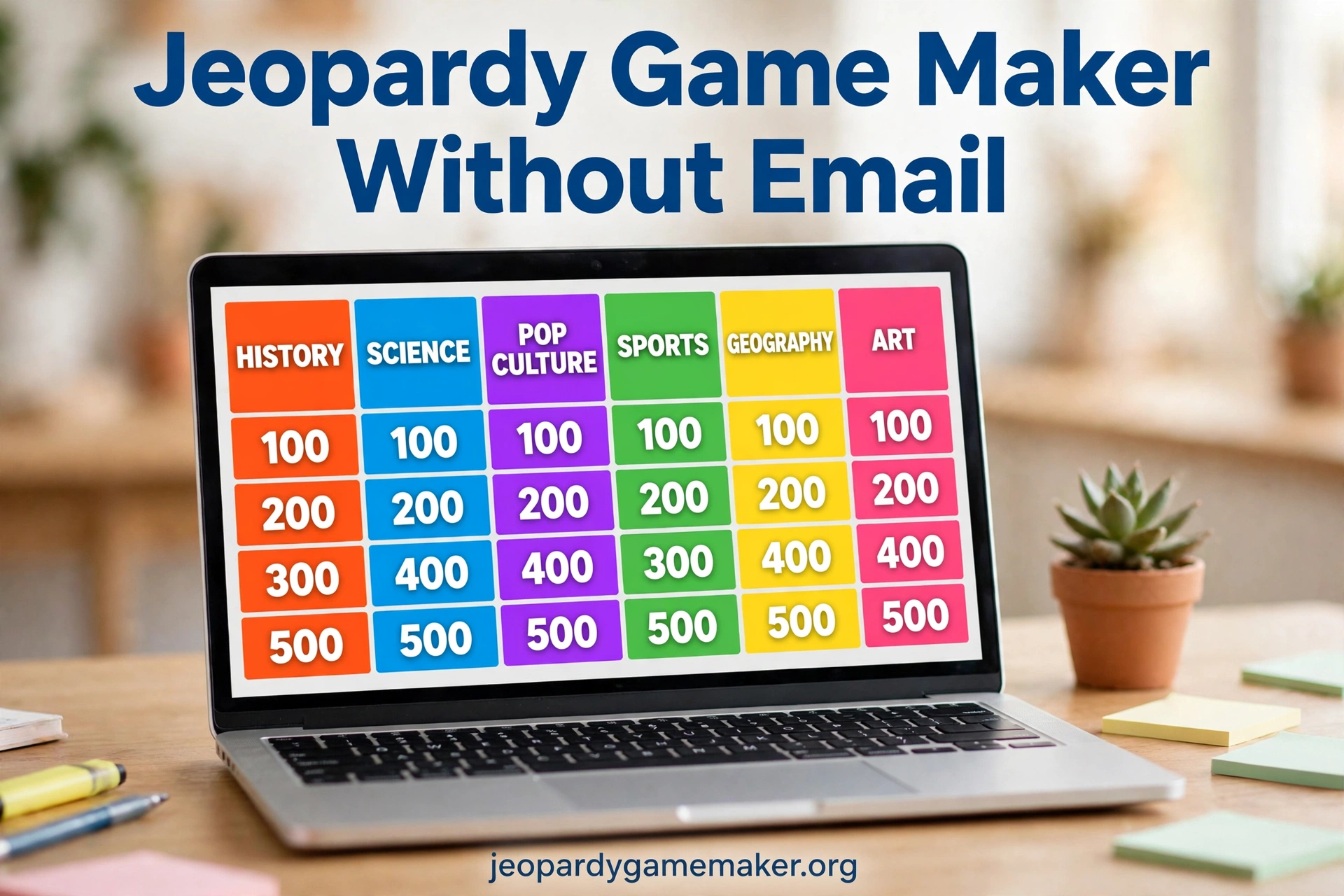
A Sample Board You Can Copy
Use this board as a starting point for a short review game or a family game.
It uses five common topics, so you can swap any category for your own subject.
Keep clues short, so players can read them fast and answer without delay.
Read one clue at a time, and give teams a short time limit to answer.
A jeopardy game maker without email makes this board easy to reuse with new clues each week.
Try a Math Jeopardy board if you want a ready subject board to practise with first.
| Science | History | Geography | Words | Sports |
| $100 | $100 | $100 | $100 | $100 |
| $200 | $200 | $200 | $200 | $200 |
| $300 | $300 | $300 | $300 | $300 |
| $400 | $400 | $400 | $400 | $400 |
| $500 | $500 | $500 | $500 | $500 |
Try a Science $100 clue such as: What gas do plants take in from the air?
Try a History $200 clue such as: Who was the first president of the United States?
Try a Words $300 clue such as: What word means the opposite of brave?
These short clues keep the pace fast and keep every team in the game.
Setting Up for a Class or Family Game
Open the maker on the device you will use to host the game.
Connect that device to a projector, a TV, or a large screen if you have one.
Open the game in full screen, so the board is large enough for every player to see.
Test one clue and one answer before players arrive, so you know the layout works.
Split players into two to four teams, and write team names where everyone can see them.
Give each team a clear signal, such as a raised hand, to answer first.
A jeopardy game maker without email fits this setup well, because the host device does the display work.
For more ideas, check the Jeopardy games by topic page for category ideas by subject.
Sharing Without Email
You do not need to email a file to share a board with another person.
You copy the share link from the maker and send it by chat, text, or a class message.
The other person opens the same board in a browser, with no account and no download.
That link carries the board itself, including the title, categories, clues, and answers.
It does not need an email address at either end, and it does not need a slide file.
If you use a shared classroom computer, open the link on that computer before players arrive.
Then keep that tab open, so you do not need to search for the link again.
Browser Board Compared With Account Tools
Many account tools save your work in the cloud, which is useful for long projects.
That benefit comes with a cost: an email address, a password, and a login step every time.
A browser board trades cloud saving for speed, privacy, and a faster start.
That trade is a good fit for a game you build once and play the same day.
| Feature | Browser Board | Account Tool |
| Email needed | No | Yes |
| Password needed | No | Yes |
| Account to create | No | Yes |
| Start time | Minutes | Minutes, plus signup |
| Save across devices | By share link only | By account login |
| Team scoring built in | Yes | Varies |
| Share by link | Yes | Yes, often with login |
For a single lesson, a party, or a review game, a browser board is faster to start.
You can change one clue without logging in, finding a file, or resetting a password.
Privacy for Schools and Families
Schools often limit which accounts students can create on shared devices.
A tool that needs no email avoids that problem, because no student account is made.
Families may also prefer not to share a child email address for a simple game.
A browser board asks for no names, no emails, and no passwords to play.
Do not put personal details, addresses, or private family facts into clues or answers.
Keep clues about school topics, general knowledge, and fun facts that are safe to share.
Use the template page if you want a ready-made starting board with safe, general topics.
No-Email Setup Checklist
Use this checklist before your first game, so the session does not stall on tech.
Check each item once, and you will know the game is ready before players arrive.
| Check | What to Do | Why It Matters |
| Browser | Open the maker and load the board | The game runs in the browser |
| Display | Connect and test full screen | Every player can see the board |
| Teams | Name two to four teams | Scoring stays clear and fair |
| Time | Allow 20 to 30 minutes | A full board fits one session |
| Link | Copy and save the share link | You can move the board later |
| Backup | Keep a printed clue list | You can keep playing if Wi-Fi drops |
If Wi-Fi drops during play, keep the printed list and read clues aloud.
Teams can still track scores on paper until the connection returns.
If the board looks small on screen, zoom the browser to 125 percent for larger text.
Tips That Save Time
Write clues at the right level for your players, not at the level of a quiz show.
Start with one easy clue in each category, so every team gets an early win.
Mix easy, medium, and hard clues, so stronger teams do not run away with the game.
Read the clue, pause, and let teams discuss for a few seconds before they answer.
Ask the answering team to explain the answer in one sentence when time allows.
That short explanation turns a fun game into a real review lesson.
A jeopardy game maker without email also helps here, because players can reopen the same link at home.
Troubleshooting Without an Account
If the page will not load, refresh once and check that Wi-Fi is connected.
If the board looks blank, check that the browser is not in a restricted guest mode.
If you cannot type in the editor, check that the page has fully loaded first.
If the projector shows only part of the board, set the display to mirror, not extend.
If scores reset after a refresh, note the scores on paper before you reload.
If you lose the board, you cannot recover it by logging in, because there is no account.
That is why the share link matters, and why you should save it before you play.
A jeopardy game maker without email works best when you test it once before players arrive.
That one test catches most display and connection problems before the game starts.
Honest Limits to Know
A board without an email account is simple, and that simplicity has limits.
Your board is saved in your browser, so it is tied to the browser you used to build it.
If you clear browser data, use private browsing, or switch to a new device without the link, your saved board may not be there.
The link does not create a live multiplayer room, and it does not sync scores across devices in real time.
One device hosts, and the other devices show the board for viewing and play.
For a class game or a family game, that is enough, as long as the host keeps the score.
For a remote game, use voice or chat for answers, and keep the host in charge of the score.
Save your work often, and keep a copy of the link in a safe place.
What to Do Next
A jeopardy game maker without email is the fastest way to test this plan in one session.
- Pick one topic for this week or for tonight.
- Write five categories and five clues for each category.
- Test the board on the host device and save the share link.
Then open your own board, swap in your clues, and play it with your group.
Final Thoughts
An email address should not stand between you and a good game.
With a browser board, you skip accounts, skip password resets, and skip email verification.
You get a clear board, team scores, and a link you can share with players.
A jeopardy game maker without email keeps that first game simple, so you can focus on playing, not on logging in.
The best board is the one you can run again next week with new clues.
FAQs
1. Do I need an email address to build a game?
No, you do not need an email address to build or play a board in the browser.
2. Do players need an account to open the board?
No, players do not need an account to open the board in a browser.
3. How do I share the board without email?
Copy the share link from the maker and send it by chat, text, or a class message.
4. Can I get my board back if I lose the link?
No, there is no account login to recover it, so save the link before you play.
5. Will it work on a projector or a smartboard?
Yes, connect the host device to the display and open the board in full screen.
6. Can I edit clues after I build the board?
Yes, open the board, change a clue or answer, and play the updated board.
3 thoughts on “Jeopardy Game Maker Without Email – Play Without an Account”