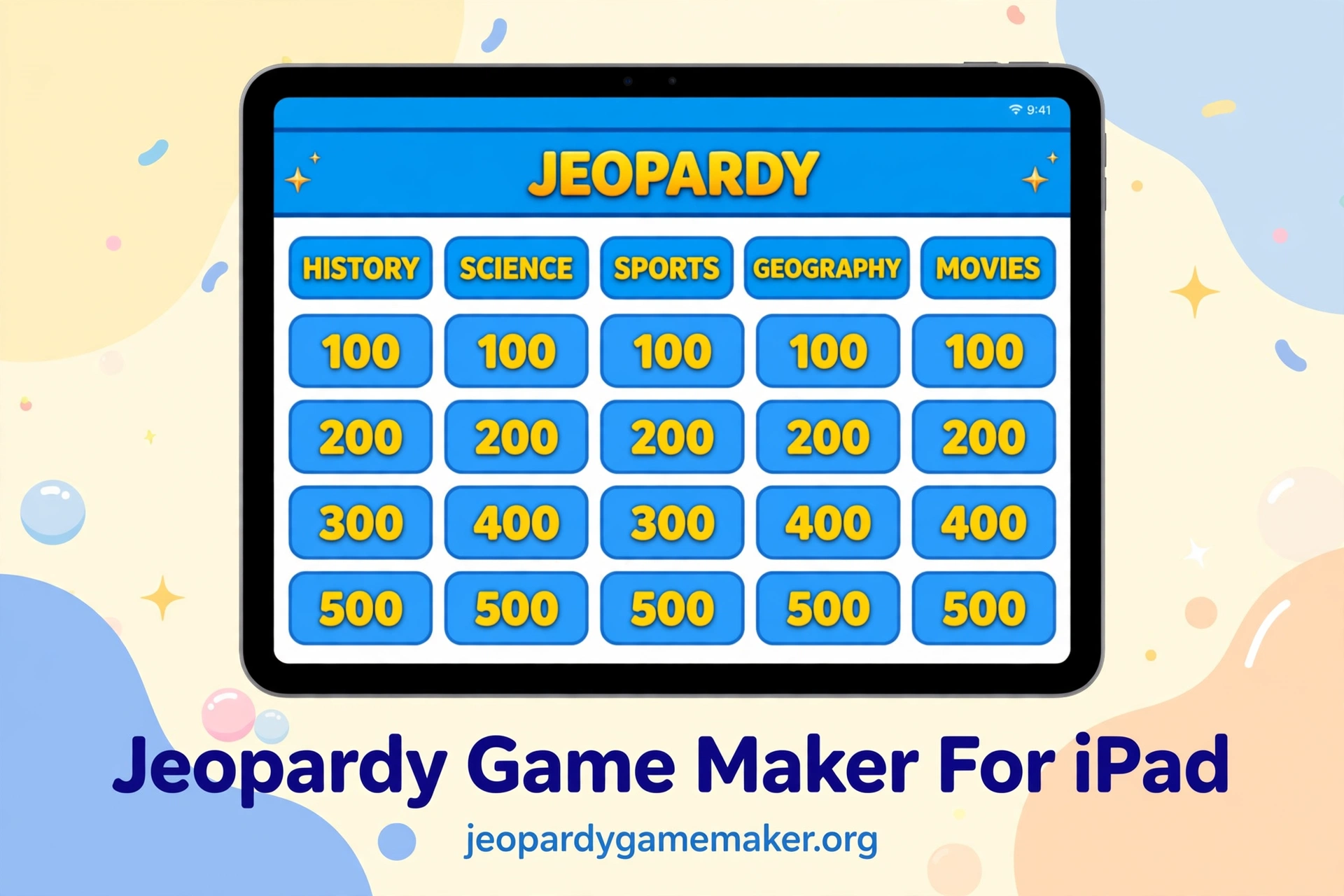
A jeopardy game maker for ipad lets you build a Jeopardy-style board in a browser and play it on an iPad.
You do not install an app, and you do not need a school account to start.
You open Safari or Chrome, type your categories and clues, and play the board on the same iPad.
Quick Answer
Use a browser board for iPad play, not a downloaded app or a slide file.
You build five categories, add five clues in each category, and play with teams.
The host taps a tile, reads the clue, and reveals the answer on screen.
Teams answer out loud, and the host updates the score on the board.
Why an iPad Fits This Game
An iPad is easy to carry from room to room, and it starts fast.
Teachers can hold it in one hand and still run the game with the other.
Students can see the board clearly when the iPad connects to a larger screen.
You do not need a keyboard, a mouse, or a separate controller to play.
A jeopardy game maker for ipad fits this use well, because the whole game stays in one browser tab.
How It Works on an iPad
Start with a clear topic for your lesson or your family game night.
Write five categories that match that topic, with five clues in each category.
Set point values from low to high, so early clues feel easy and later clues feel harder.
Open the board in Play mode, split the class or family into teams, and read each clue aloud.
With a jeopardy game maker for ipad, the whole game stays in one browser tab on the iPad.
If you want step-by-step help, use the how-to guide before you build your first board.
A Sample iPad Board
Use this board as a starting point for a short review game on an iPad.
It uses five common subjects, so you can swap any category for your own topic.
Keep clues short, so players can read them on a tablet screen without zooming.
A jeopardy game maker for ipad makes this board easy to reuse with new clues each week.
Try a Math Jeopardy board if you want a ready subject board to practise with first.
| Science | History | Math | Geography | Words |
|---|---|---|---|---|
| $100 | $100 | $100 | $100 | $100 |
| $200 | $200 | $200 | $200 | $200 |
| $300 | $300 | $300 | $300 | $300 |
| $400 | $400 | $400 | $400 | $400 |
| $500 | $500 | $500 | $500 | $500 |
Try a Science $100 clue such as: What gas do plants take in from the air?
Try a Math $200 clue such as: What is 9 times 6?
Try a Words $300 clue such as: What word means the opposite of brave?
These short clues keep the pace fast and keep every team in the game.
Safari or Chrome on an iPad
Safari is already on every iPad, so most players can start with no setup at all.
A jeopardy game maker for ipad loads the same way in Safari and in Chrome, so players do not need to learn a new app.
Open Safari, load the maker, and the board appears in the browser window.
Chrome also works well on an iPad, if that is the browser your school uses.
If a school iPad blocks one browser, try the other browser before you change your plan.
Showing the Board on a Big Screen
An iPad screen is good for a small group, but a class needs a larger display.
Use AirPlay to send the iPad screen to an Apple TV or a compatible display.
If AirPlay is not available, use a USB-C or Lightning adapter and an HDMI cable.
Connect the cable before the lesson starts, and test one tile on the big screen.
Set the display to mirror the iPad, not to extend it, so everyone sees the same board.
Test the sound too, if you plan to read clues aloud through the display speakers.
Touch Controls That Work Well
Tap a tile once to open its clue, and tap again only when you are ready.
Do not tap fast through tiles, or you may open a clue by mistake.
The host should hold the iPad, so only one person controls the board.
If a tap does not register, tap once more in the center of the tile.
Browser Board Compared With Slide Decks
Many teachers start with slides, because slides feel familiar and easy to share.
Slides need many links, one for each clue and answer, and that work grows fast.
A browser board keeps clues, answers, scores, and the board in one place.
That single place saves time when you reuse the same game with another class.
| Feature | Browser Board | PowerPoint Deck | Google Slides Deck |
|---|---|---|---|
| Install needed | No | App needed | No |
| Works on iPad browser | Yes | Needs app or viewer | Yes |
| Team scoring built in | Yes | Manual | Manual |
| Share by link | Yes | File only | Link, with access setup |
| Edit a clue fast | Yes | Many slides to fix | Many slides to fix |
A slide deck can still work for a one-off game with very few clues.
For a repeat review game, a browser board is faster to edit and easier to run.
You can change one clue without hunting through dozens of linked slides.
You can also reuse the same board structure and swap in new clues each week.
iPad Setup Checklist
Use this checklist before your first game, so the lesson does not stall on tech.
Check each item once, and you will know the game is ready before players arrive.
| Check | What to Do | Why It Matters |
|---|---|---|
| Browser | Open Safari or Chrome and load the board | The game runs in the browser |
| Display | Connect AirPlay or HDMI and test full screen | Every player can see the board |
| Battery | Charge to at least 50 percent | The iPad will last the whole game |
| Sound | Test volume from the front | Clues are read aloud clearly |
| Teams | Name two to four teams | Scoring stays clear and fair |
| Backup | Keep a printed clue list | You can keep playing if Wi-Fi drops |
If Wi-Fi drops during play, keep the printed list and read clues aloud.
Teams can still track scores on paper until the connection returns.
A jeopardy game maker for ipad fits this setup well, because the host device does the display work.
Classroom Tips for iPad Play
Write clues at the right level for your class, not at the level of a quiz show.
Start with one easy clue in each category, so every team gets an early win.
Mix easy, medium, and hard clues, so stronger teams do not run away with the game.
Read the clue, pause, and let teams discuss for a few seconds before they answer.
Ask the answering team to explain the answer in one sentence when time allows.
That short explanation turns a fun game into a real review lesson.
For more ideas, check the Jeopardy games by topic page for category ideas by subject.
Family Game Night on an iPad
An iPad game night works best when everyone can see the board at once.
Put the iPad on a stand, or connect it to a TV in the living room.
Let younger players join a team with an older player, so no one feels left out.
Keep clues short and fun, with a mix of easy and tricky questions for all ages.
Use family topics, such as movies, food, sports, animals, or holiday traditions.
Give each team a funny name, and write the scores where everyone can see them.
Troubleshooting on an iPad
If the page will not load, refresh once and check that Wi-Fi is connected.
If you cannot type in the editor, check that the page has fully loaded first.
If AirPlay shows only part of the board, set the display to mirror, not extend.
If scores reset after a refresh, note the scores on paper before you reload.
A jeopardy game maker for ipad works best when you test it once before players arrive.
That one test catches most display and connection problems before the game starts.
Honest Limits to Know
A browser game needs the internet to load the board and the maker.
If you have no Wi-Fi at all, a printed board is still the safer choice.
Your board is saved in your browser, so it is tied to the browser you used.
If you clear browser data, or switch to a new iPad without the link, your saved board may not be there.
That is why the share link matters: it is your way to move the board to another device.
The link does not create a live multiplayer room, and it does not sync scores across devices in real time.
One device hosts, and other devices show the board for viewing and play.
What to Do Next
A jeopardy game maker for ipad is the fastest way to test this plan in one lesson or one game night.
- Pick one topic for this week, such as science, history, or family trivia.
- Write five categories and five clues for each category.
- Test the board on the iPad and on the big screen before players arrive.
Use the template page if you want a ready-made starting board.
Then open your own board, swap in your clues, and play it with your class or family.
Final Thoughts
An iPad should not stop a good review game or a fun family night.
With a browser board, you skip installs, skip app store requests, and skip slide links.
You get a clear board, team scores, and a link you can share with players.
A jeopardy game maker for ipad keeps that first game simple, so you can focus on playing, not on tech.
The best board is the one you can run again next week with new clues.
FAQs
1. Does an iPad game need an app install?
No, you do not need to install an app to play a board in the browser.
2. Does it work in Safari and Chrome on an iPad?
Yes, it works in Safari and in Chrome on an iPad, in a normal browser tab.
3. Can I show the board on a TV or projector from an iPad?
Yes, use AirPlay or an HDMI adapter, and set the display to mirror the iPad.
4. Can students play on their own iPads?
Yes, players can open the share link on their own iPads, while the host keeps score.
5. Can I edit clues after I build the board?
Yes, open the board, change a clue or answer, and play the updated board.
6. Do players need an account to play on an iPad?
No.
3 thoughts on “Jeopardy Game Maker for iPad – Play on Any iPad in Your Browser”