Quick answer
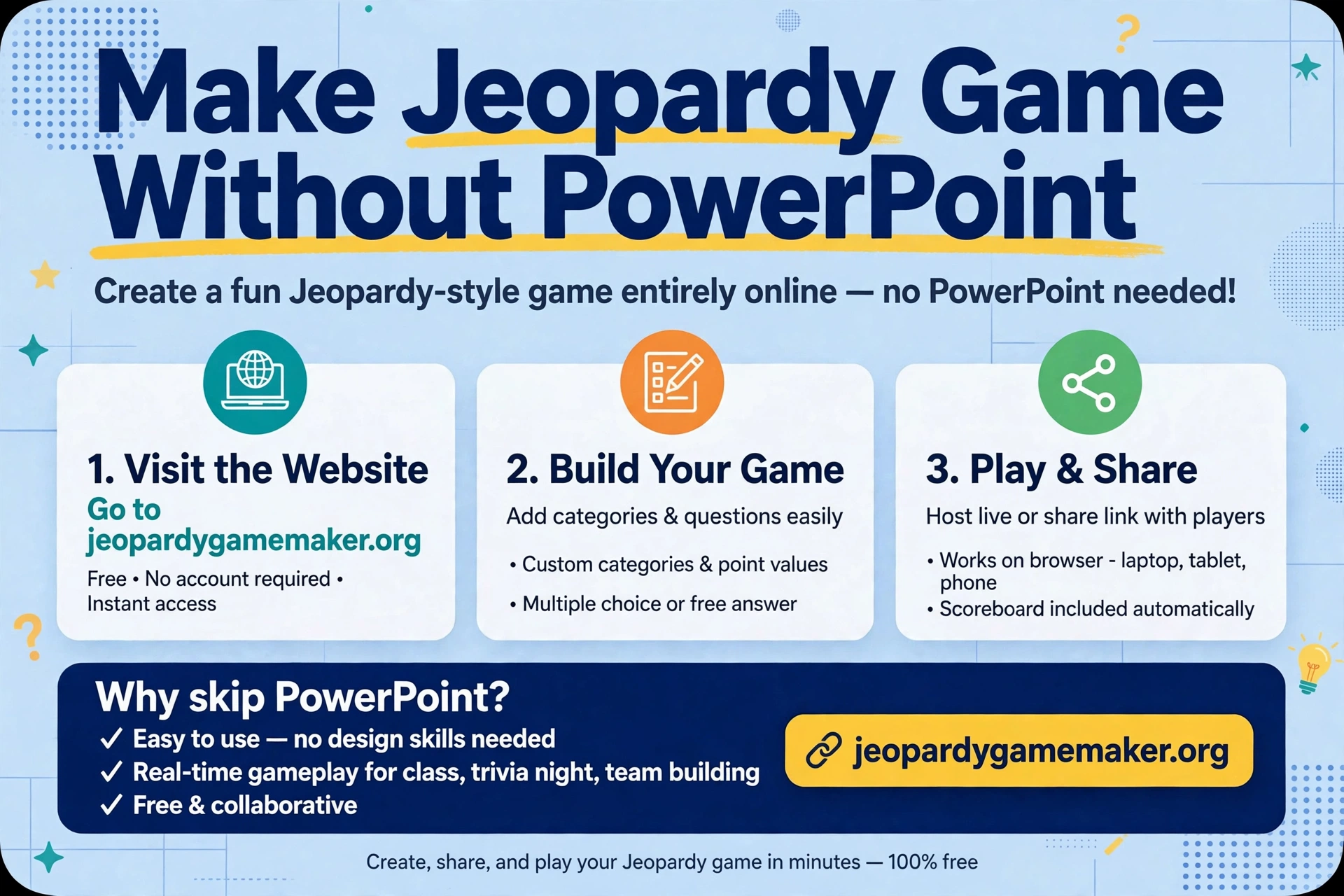
You can make jeopardy game without powerpoint by using a browser board maker instead of slides.
Name 5 topics, write a clue and an answer for each of the 25 tiles, press Play, and host with 2–4 teams.
The board, clue reveal, and scoring are built in, so you do not need to link 25 question slides to a board, link them back again, and track scores on paper.
If you already have a PowerPoint game, you do not need to throw it away. This guide also shows you how to move it to a browser board in under an hour.
Why PowerPoint Jeopardy takes so long
To make jeopardy game without powerpoint, skip the slide links and write clues in tiles.
A PowerPoint Jeopardy game looks simple on the board, but it hides a lot of work:
- One board slide.
- One question slide for each tile — 25 slides for a full board.
- One answer slide, or an answer hidden on the same slide, for each tile.
- A hyperlink from each board tile to its question slide.
- A hyperlink back from each question slide to the board.
- A score system, usually on paper, a whiteboard, or a separate slide.
That is roughly 50 links for a full board. One broken link, one renamed slide, or one copied file can break the whole game.
Editing is also slow: change one category and you may need to relink several slides.
Google Slides has the same problem, with one extra risk: if the file is shared with the wrong permission, students can open the answer slides before the game starts.
A browser maker removes the linking step entirely. You write the clue and answer in the same tile. Clicking the tile shows the clue.
Revealing the answer and adding the score happens from the host view. There is no slide count to manage.
That does not mean PowerPoint is useless. PowerPoint wins when you need full design control, custom animations, picture-heavy slides, or offline play with no internet. It loses when you need speed, reuse, and reliable scoring.
PowerPoint vs browser board: time and risk, honestly
| Task | PowerPoint / Slides | Browser board maker |
|---|---|---|
| Build a full 5×5 board | Often 2–3 hours, including linking | Often 15–25 minutes, if clues are already written |
| Change one clue | Edit slide + check its links | Edit one tile |
| Change a category name | Edit board + check linked slides | Edit one heading |
| Keep score | Manual, on paper or whiteboard | Built in for 2–4 teams, host controls plus/minus |
| Share with a colleague | Send a file, hope links still work | Send a share link |
| Play on Zoom / Teams | Share slides, risk showing answers by mistake | Share browser window, board only |
| Play offline | Yes, once downloaded | No, needs internet |
| Design control | Full, every font, colour, and animation | Limited to the board layout |
For more subject ideas, browse Jeopardy games by topic.
To make jeopardy game without powerpoint for a game you will run again, choose the browser board. Use PowerPoint for a one-off showpiece with heavy design. Use a browser board for a game you will run again, edit often, or host in a classroom, office, or video call.
How to make a Jeopardy game without PowerPoint, step by step
Step 1: Write your clues in a simple list first (10 minutes)
To make jeopardy game without powerpoint in under an hour, start with a list, not slides.
Do not start in any tool. Write 5 topics and 5 clues under each, in a document or notebook. Use this format for every tile:
Topic — $100 — Clue — Answer
Example: Office — $100 — This channel is where we post daily updates. — #general
Writing in a list first prevents the most common browser-board mistake: opening the editor, writing 10 good clues, then running out of ideas for the last 15 tiles.
Step 2: Open the browser maker and name your topics (2 minutes)
Open the game maker, name your 5 topics, and check that each name fits on one line. Short names read better on a projector.
“Company History” is better than “Important Things About Our Company History and Founders”.
Step 3: Fill the board in point order (10–15 minutes)
Copy your list into the maker, tile by tile. In this maker, click a tile, write the clue and answer, and check for the gold line under filled tiles.
Fill $100 clues across all topics first, then $200, and so on. This keeps difficulty balanced.
Follow three clue rules:
- One fact per clue.
- One short, clear answer.
- No answer hidden in the clue.
Step 4: Preview, fix, and decide the rules (3 minutes)
Press Play, open tiles from the top, middle, and bottom rows, and check answers, spelling, and readability. Decide before you play:
- Who answers first after a wrong answer?
- Do wrong answers lose points, or just pass to the next team?
- Is a close answer accepted, or must it be exact?
- How long does a team have to answer — 30 seconds is a good default.
Write these rules on a slide, a whiteboard, or simply say them aloud before the first tile. Most game arguments come from rules invented mid-game, not from bad clues.
Step 5: Host it (25–40 minutes for a full board)
Split into 2–4 teams. The team that picks a tile answers first. Award the tile value for a correct answer. For a 15-minute slot, play 3 topics or stop at the $300 row.
For a party, let the winning team pick the next category — it keeps the game moving and gives everyone a role.
Moving an existing PowerPoint game to a browser board
To make jeopardy game without powerpoint from an old deck, copy clues, not slides.
If you already have a slide game, do not rebuild it from memory. Do this:
- Open your slide deck and list every category in order.
- For each board tile, copy the question text and the answer text into your list document.
- Delete any slide-only wording such as “Click to return” or “Next question”.
- Check answers that were hidden in slide notes — those notes are easy to lose in a move.
- Paste the list into the browser maker, one tile at a time, and preview the board.
- Save the share link and keep the original slide file as a backup for one game. After you have hosted the browser version once, you can retire the slide version.
This takes about 30–60 minutes for a full 25-tile game, depending on how clean your slides are.
That is still faster than building a new slide game from scratch, and the next edit will take minutes, not hours.
A ready sample board you can copy: Office and Team Building
Use this board to make jeopardy game without powerpoint for a workplace game. This board is built for a workplace game without slides. It uses generic office topics, so replace the company-specific tiles with your own intranet facts, product names, or team stories.
Do not use private employee data, salaries, or anything a colleague would not want shared in a group game. Answers are for the host.
| Topic | $100 | $200 | $300 | $400 | $500 |
|---|---|---|---|---|---|
| Office Basics | The tool we use for team chat. / Slack (replace with yours) | The day of the week for our team meeting. / Monday (replace with yours) | The city where our head office is. / (Your city) | The year the company was founded. / (Your year) | The number of offices we have worldwide. / (Your number) |
| Fun Facts | The most popular drink in the office. / Coffee | The animal most people would choose as a pet. / Dog | The month with the most birthdays on our team. / (Your month) | The hobby shared by at least three team members. / (Your hobby) | The longest-serving team member’s first role. / (Your answer) |
| World | The capital of Italy. / Rome | The largest desert in Asia. / Gobi | The country with the longest coastline. / Canada | The language spoken in Brazil. / Portuguese | The city where the first modern Olympics were held. / Athens |
| Movies | The film about a toy cowboy and astronaut. / Toy Story | The wizard school in Harry Potter. / Hogwarts | The director of The Dark Knight. / Christopher Nolan | The film that won Best Picture in 2020. / Parasite | The actor who played Iron Man. / Robert Downey Jr. |
| Food | The main ingredient in hummus. / Chickpeas | The country famous for tacos. / Mexico | The spice that makes food hot in chilli. / Capsaicin | The cheese on a classic pizza Margherita. / Mozzarella | The dish of rice, saffron, and seafood from Spain. / Paella |
Try the Math Jeopardy board for a ready-made classroom example.
Replace every bracketed answer before you play. A template with placeholders is worse than no template, because it looks finished when it is not.
Common mistakes when you leave PowerPoint
When you make jeopardy game without powerpoint, check answers in your list first.
Copying slide text without checking answers.
Slide notes often hide answers, hints, or old versions. Check every answer in your list before you paste it into the board.
Making every clue a long sentence.
Slides can hide long text behind a click. A board clue should be one or two short sentences.
If a clue needs a paragraph, split it into two clues or simplify it.
Forgetting the backup.
A browser board needs internet. If your venue has weak Wi-Fi, bring a printed list of clues and answers, or keep your old slide file as a backup for that one event.
Using the same board for every audience.
A board that works for your team will not work for a class or a family party.
Change at least two topics for each new audience, even if you keep the structure.
Letting one team dominate.
If one team knows a topic too well, balance the board next time: one company topic, three general topics, and one fun or wordplay topic.
That mix keeps experts from sweeping the board.
What to do next
- Write your 5 topics and 25 clues in a list first.
- Paste them into the browser maker, or start from a template, to make jeopardy game without powerpoint and preview the board.
- If you have a slide game, convert one category as a test before you convert the whole deck.
- Read the full how-to guide for hosting rules, team sizes, and timing.
FAQs
1. Can I make jeopardy game without powerpoint or Google Slides?
Yes. Use a browser board maker, write clues directly into tiles, and host from the browser. No slide linking is needed.
2. Is a browser board as reliable as PowerPoint?
For scoring and linking, yes — it is more reliable, because there are no 50 links to break. For offline venues, no — PowerPoint wins, because it does not need internet.
3. Can I convert my PowerPoint game to a browser board?
Yes. List categories, clues, and answers from your slides, paste them into the maker tile by tile, preview the board, and save the share link.
4. Do players need PowerPoint to play?
No. In the classic setup, players watch the projected board and answer verbally. They need no software at all.
5. Can I still use PowerPoint for pictures or videos?
Yes, for a special round. Run picture or video clues as a separate segment, and keep the main board for text clues. Do not force media into a tool that is built for text.
6. Is this the official Jeopardy! game?
No.