Quick answer
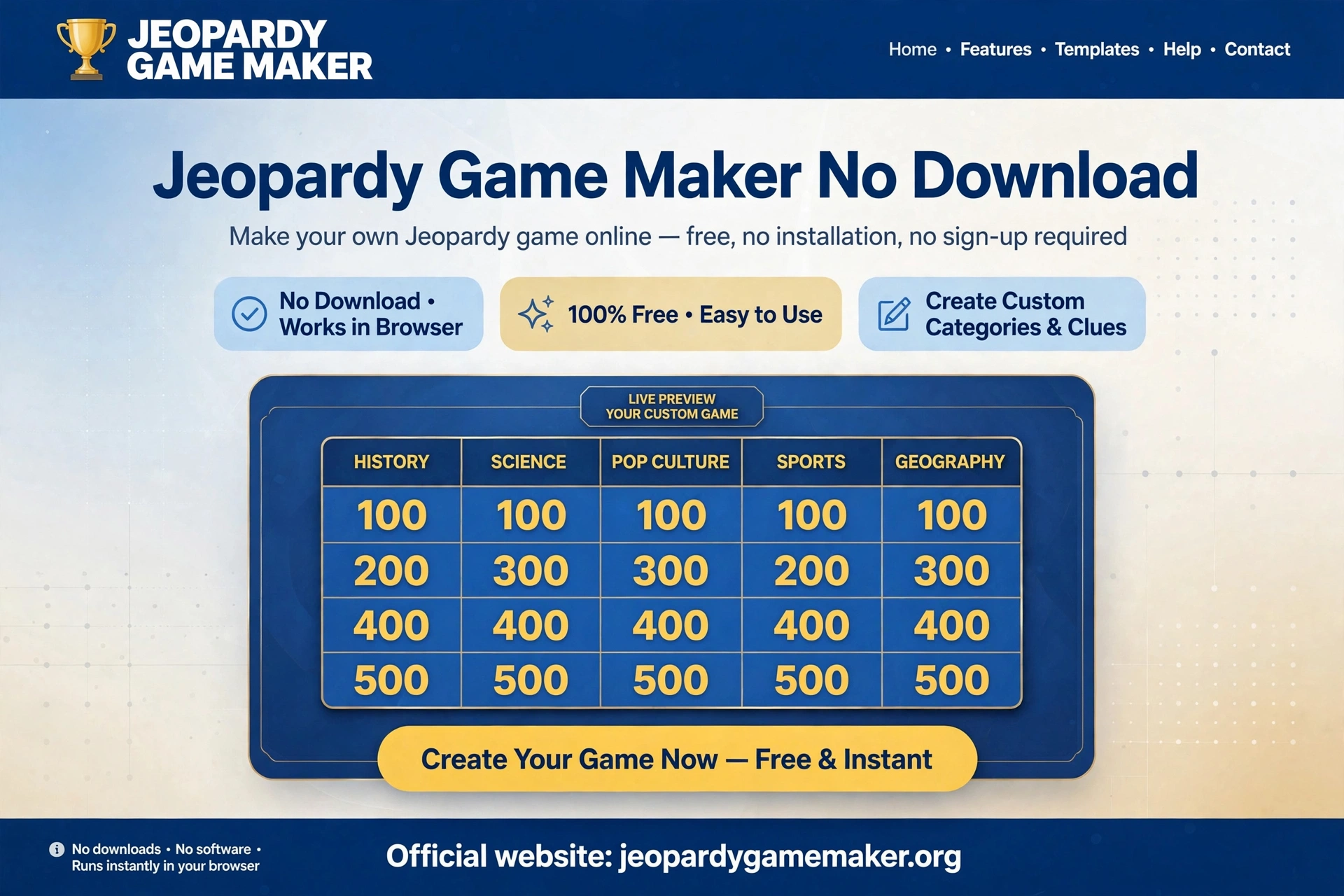
With a jeopardy game maker no download, you do not need to download anything to make or play a Jeopardy-style game in a browser.
Open it in Chrome, Edge, Safari, or Firefox, build your board, press Play, and project it or share your screen.
It works on a laptop, Chromebook, iPad, or classroom display, as long as you have a browser and an internet connection.
That last part matters: no download does not mean offline. You still need the internet to load the maker and the board. Plan for that, and the rest is simple.
Why “no download” matters
A jeopardy game maker no download is the fastest option when installs are blocked.
in real classrooms and offices
Download problems are not just annoying, they are often the reason a game never happens:
- School computers may block installs, app stores, or executable files.
- A shared classroom laptop may not let you install anything at all.
- A Chromebook or iPad may not run a Windows PowerPoint macro template the way you expect.
- A guest presenter may not have time to install, update, and test software before a meeting.
- A family member may not want another app for one game night.
A browser maker removes all of those steps. The trade-off is that you give up offline play and, in this maker, cloud saving across devices.
If your venue has no internet at all, a printed board or a downloaded slide deck is still the safer choice.
Be honest about that in your planning, and you will not be caught out on game day.
A jeopardy game maker no download works the same way on each device below, as long as the browser is allowed.
What you need, device by device
Laptop or desktop (Windows or Mac)
Open any modern browser, go to the game maker, and build. This is the easiest host setup, because you control the board, the score, and the projector from one keyboard.
Chromebook
Chromebooks are made for browser tools. Open the maker in Chrome, build your board, and present full-screen. Do not try to force a Windows-only macro template onto a Chromebook unless you have tested it first.
iPad or tablet
Open the maker in Safari or Chrome, build or open a shared game, and present with AirPlay, HDMI, or screen sharing.
Keep topic names short, because tablet screens show less text at a glance than a laptop.
Projector, TV, or smartboard
Connect the host laptop, open the board full-screen, and increase browser zoom until the smallest text is readable from the back of the room. Test this before players arrive.
A board that looks fine on a laptop can be unreadable on a projector.
Zoom, Google Meet, or Microsoft Teams
Share your screen with the board open. Keep the host controls on your own screen if possible, and let teams answer verbally or in chat.
Decide before you start how teams will signal — first in chat, raised hand, or captain speaks — so you do not lose time to arguments about who was first.
With a jeopardy game maker no download, you can go from a blank board to a hosted game in about 20 minutes.
How to make a game with no download, step by step
Step 1: Open the maker and choose your start (1 minute)
You have two honest starts: build manually from blank, or start from a template and edit it. If you have less than 20 minutes, start from a template.
If your questions must match a specific unit, build manually.
Step 2: Name 5 topics (2 minutes)
The board is 5 topics × 5 clues = 25 clues. Use narrow, readable topics. For a mixed family game, try Movies, Sports, Food, Music, and World Facts.
For a class, use the exact unit headings from your lesson.
Step 3: Write clues in point order (10–15 minutes)
Write $100 clues first across all topics, then $200, and so on. This keeps difficulty balanced. A $100 clue should be easy, a $500 clue should require real thinking.
In the maker, click a tile, write the clue and its answer, and look for the gold line under filled tiles.
That line is your progress check — no filled line means that tile is still empty.
Step 4: Test on the screen you will actually use (3 minutes)
Press Play, open tiles from the top and bottom rows, and check readability, answers, and scoring. If you will present on a TV, test on that TV.
If you will share on Zoom, test a screen share with a colleague first.
Step 5: Host with 2–4 teams (25–40 minutes for a full board)
The team that picks a tile answers first. Award the tile value for a correct answer. Decide in advance what happens on a wrong answer: another team tries, or you move on.
Write that rule on the board or say it aloud before the first tile, not after a dispute.
For a short slot, play only 3 topics, or stop at the $300 row. A finished short game beats an unfinished long game every time.
A ready sample board you can copy: General Knowledge Night
Use a jeopardy game maker no download to try this sample board. This board is different from a classroom review board on purpose — it is built for a mixed group where not everyone knows the same subjects. Answers are for the host.
| Topic | $100 | $200 | $300 | $400 | $500 |
|---|---|---|---|---|---|
| Movies | The wizard school in Harry Potter. / Hogwarts | The animated film about a clownfish named Nemo. / Finding Nemo | The director of Jurassic Park. / Steven Spielberg | The city where Batman lives. / Gotham City | The film that won Best Picture in 2020 about a poor family in Seoul. / Parasite |
| Sports | The sport played at Wimbledon. / Tennis | The country that invented cricket’s modern World Cup format in 1975. / England | The Olympic sport with a pommel horse. / Gymnastics | The footballer known as CR7. / Cristiano Ronaldo | The marathon distance in kilometres, rounded. / 42 km |
| Food | The main ingredient in guacamole. / Avocado | The country famous for sushi. / Japan | The spice that gives curry its yellow colour. / Turmeric | The cheese used on a classic Margherita pizza. / Mozzarella | The dish made from raw fish marinated in citrus juice. / Ceviche |
| Music | The instrument with 88 keys. / Piano | The band that sang “Bohemian Rhapsody”. / Queen | The singer known as the Queen of Pop in the 1980s. / Madonna | The musical instrument played by Yo-Yo Ma. / Cello | The composer of the Four Seasons. / Vivaldi |
| World | The largest ocean on Earth. / Pacific Ocean | The capital of Australia. / Canberra | The river that flows through Egypt. / Nile | The country with the most natural lakes. / Canada | The smallest country in the world by area. / Vatican City |
Try the Math Jeopardy board for a ready-made classroom example.
Check every answer for your audience before you play. A general-knowledge board is only fair if the answers are stable facts, not recent records that may already have changed.
No download vs download: an honest comparison
| Choice | Setup time | Works on locked school computers? | Offline? | Scoring |
|---|---|---|---|---|
| Browser game maker (this site) | Minutes, no install | Yes, if browser + internet are allowed | No | Built in, host controls 2–4 teams |
| PowerPoint / Slides template | Download + linking, often 1–3 hours for a full board | Depends on software and macros | Yes, once downloaded | Manual, unless macros work |
| App-based quiz tool | Install + account, sometimes school approval needed | Often blocked | Depends on app | Often built in, with buzzers |
| Printed board / whiteboard grid | No tech setup | Yes | Yes | Manual, on paper or whiteboard |
For more subject ideas, browse Jeopardy games by topic.
If your school blocks installs, the browser maker wins. If your venue has no internet, the printed or downloaded option wins. Choose by venue, not by habit.
Troubleshooting for browser games
If a jeopardy game maker no download board will not load, check your internet connection first.
The board will not load. Check your internet connection first, then try a different browser, then a different device.
If the school network blocks the site, you need a downloaded or printed backup — do not discover this five minutes before class.
Text is too small on a projector. Use full-screen mode and browser zoom. Shorten topic names and keep clues to one or two short sentences.
Long clues look fine on a laptop and fail on a projector.
My game is gone on a different computer. This maker saves in the browser on the device where you built it. It does not follow you to another laptop by itself.
Use the share link to open the same game on the presentation computer, and keep a copy of your clues in a document.
Zoom players cannot see the board clearly. Share only the browser window with the board, not your whole desktop, and ask one remote player to confirm readability. Increase zoom before you start, not after complaints.
Audio or video clues do not work. This maker is built for text clues and answers.
If you need picture, audio, or video rounds, use a tool that explicitly supports media, or run those rounds separately and keep the board for text clues.
No-download on a shared school computer
On a shared computer, the risk is not an install. It is that the previous user is still signed in, the browser is in guest mode, or the board was saved in a different profile.
Before the lesson, open the maker in the exact profile you will present from, open the share link, and press Play once. If the board is empty, you are in the wrong profile, and you still have time to switch.
Keep a copy of your clues in a document or on a USB stick. If the shared computer is wiped or the browser data is cleared, you can rebuild the board in minutes instead of cancelling the game.
Last-minute no-download games
A last-minute game is where a no-download maker earns its place. You may get ten minutes before a lesson, not an hour of preparation, and there is no time to install software or fix slide links.
Keep a short list of five topics you already teach. When time is short, pick those topics, write one easy clue per category, and start playing. You can add harder clues in the next round if the class is ready.
Use the same board twice in one day if you teach two classes. Change only the team names and the order of play. The clues stay fresh because each class answers differently.
End a last-minute game with one question from each category. That quick review turns a rushed game into a proper lesson ending, without extra preparation.
No-download games on a slow school connection
A slow connection is the real test of a no-download game. A heavy page will stall, but a simple board page loads even when the network is busy.
Open the board once before the lesson and leave that tab open. A tab that is already loaded does not need to reload when the class starts.
Keep the board on one screen and do not open extra tabs during play. Extra tabs compete for the same slow connection.
If the page does reload slowly, read the first clue aloud while it loads. The class stays engaged, and the game does not feel broken.
What to do next
- Open a
- jeopardy game maker no download in the browser you will present from, not just the browser you normally use.
- Try the sample board above, then replace it with your own topics.
- Test the board on your projector or screen share before game day.
- Read the full how-to guide for hosting rules, team sizes, and timing.
FAQs
1. Do I need to download an app for a Jeopardy game maker?
No, with a jeopardy game maker no download, you need no app at all. It runs in a browser. Players watching a projected board need no app at all.
2. Does it work on a Chromebook?
Yes. Chromebooks are a good fit for browser makers, because there is nothing to install.
3. Can I play it on Zoom or Teams?
Yes. Share your screen with the board open, read clues aloud, and let teams answer verbally or in chat. Decide the signalling rule in advance.
4. Can I save a game and open it later on the same device?
Yes, it saves automatically in that browser. Clear that browser’s data and the game will be removed, so keep the share link and a notes copy for important games.
5. Is there a limit on teams?
This maker supports 2–4 teams in Play mode. For larger groups, split into 4 large teams with captains, rather than trying to track 10 small teams on one scoreboard.
6. Is this the official Jeopardy! game?
No.
6 thoughts on “Jeopardy Game Maker No Download — Play in Your Browser on Any Device”