Quick answer
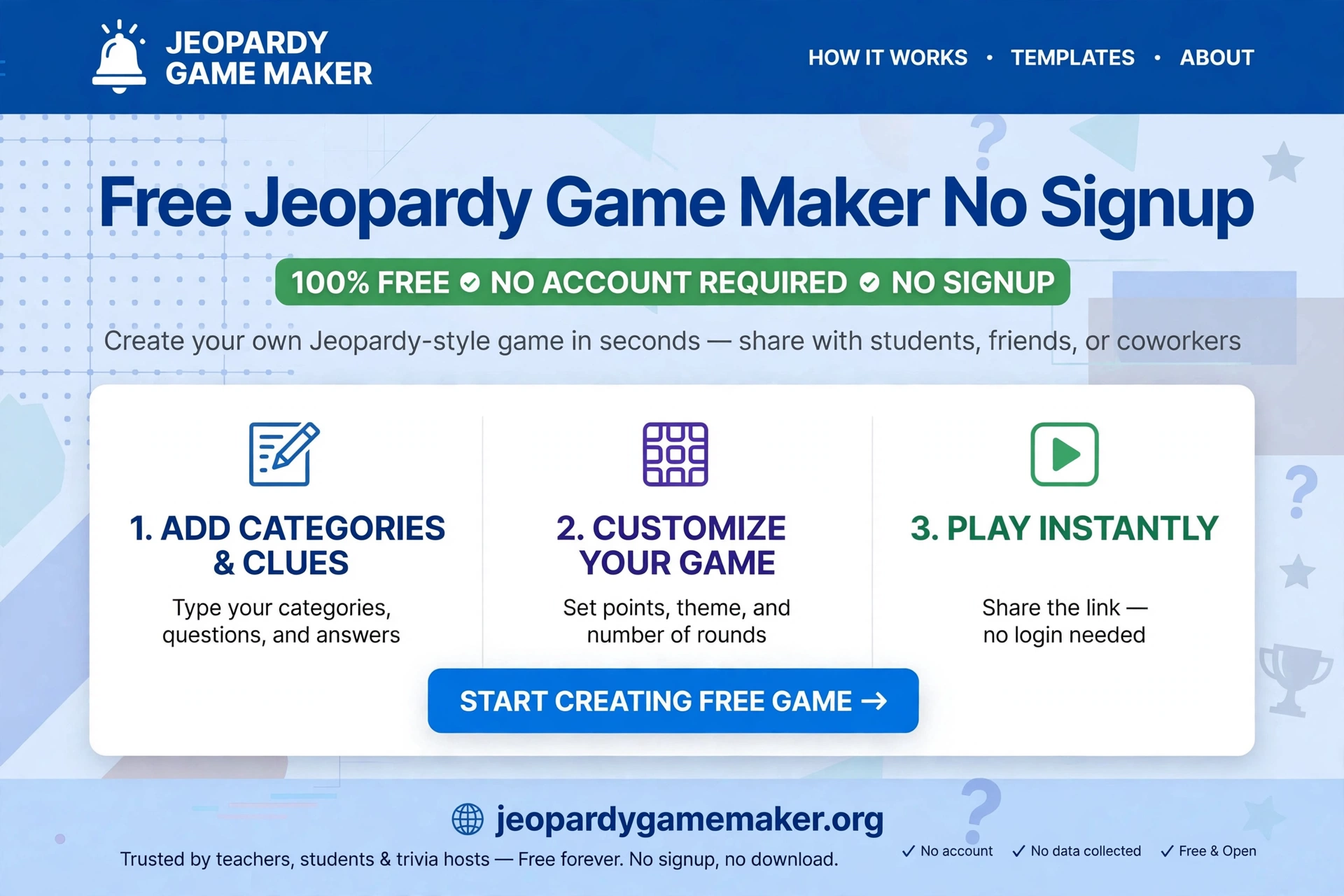
Yes, a free jeopardy game maker no signup lets you build a Jeopardy-style board without an account.
Pick 5 topics, add a clue and an answer to each tile, then press Play.
Play it with 2 to 4 teams, right in your browser.
No app, no download, and no signup form to fill in.
This guide is for teachers, trainers, and hosts who need a game fast.
Follow the steps below, and your board will be ready in about 20 minutes.
What “no signup” really means – and what it does not mean
A true no-signup maker should pass this test, and a no-signup Jeopardy maker should pass all of them:
- You can open the editor and start writing immediately.
- You can play the board without creating a password.
- You do not need a student account for students to watch or answer verbally.
- You are not forced into a trial that ends in the middle of a lesson.
Here is the honest limit you should know before you rely on it for an important class:
Your game is saved in your browser, on that device.
That is why no signup is possible.
If you clear that browser’s data, switch to a different laptop, or open a private window, your game will not follow you automatically.
For an important game, use the share link as your backup.
Keep a copy of your clues in a document as well.
Do not put private student information in a shared game, because anyone with the share link can open it.
If you need cloud saving across many devices, a buzzer system for every phone, or a large library of other teachers’ games, a paid classroom platform may fit better.
If you need a fast, private, no-account board for one class, one party, or one training session, no-signup is the right choice.
How to make a game with no signup, in 5 steps
With a free Jeopardy maker with no signup, you can go from a blank board to a game you can host in about 20 minutes.
Step 1: Pick one clear purpose (2 minutes)
Decide what the game must teach or celebrate.
A good board has one job. Examples:
- Review for Friday’s science test
- Vocabulary revision before an exam
- A family game night around movies and food
- An onboarding quiz about your team
Write that purpose at the top of your notes.
Every category should serve it.
Step 2: Choose 5 narrow topics (3 minutes)
The maker uses 5 topics across the top, with 5 clues under each, for 25 clues in total.
Narrow topics make fairer clues than broad ones.
Good: Fractions, The Human Body, Ancient Egypt, Capitals, Verbs
Weak: School, Fun Stuff, General Knowledge, Things, More
Keep each topic name short enough to read from the back of a room.
Step 3: Write clues that climb in difficulty (10–15 minutes)
Each topic gets $100, $200, $300, $400, and $500 clues.
The $100 clue should be something most players know.
The $500 clue should make them think, not guess.
Good clue rules:
- One fact per clue.
- One clear answer, ideally 1–3 words.
- No answer hidden inside the clue itself.
- Check dates, spellings, and numbers before you play.
Bad clue: “A big city in Asia that is very important and famous for many things.”
Good clue: “This city is the capital of Japan.”
In the maker, click a tile, write the clue in the clue box and the answer in the answer box.
A gold line under a tile means that tile already has a clue, so you can see at a glance what is still empty.
Step 4: Preview the whole board (3 minutes)
Press Play and open a few tiles from different topics. Check:
- Can you read every clue from a projector or shared screen?
- Is every answer correct and spelled the way you want it judged?
- Do the $500 clues feel harder than the $100 clues, or just longer?
- Does any clue have two reasonable answers? If so, rewrite it now.
Fix anything in the Edit view before you play live.
It is much harder to fix a disputed answer in front of a class.
Step 5: Host it and keep score (25–40 minutes for a full board)
Split players into 2, 3, or 4 teams.
The team that picks a tile gets the first try.
If they are right, they score the tile value and pick next.
If they are wrong, let another team try or move on, and decide that rule before you start – do not invent it mid-game.
Use the share link to send the game to a colleague, or to open it on the classroom computer.
Remember: the share link carries the game in the link itself, so only share games you are happy for the recipient to open and read.
For a 20-minute lesson, do not force all 25 tiles.
Play 3 topics, or stop at the $300 row, and save the rest for revision later.
A ready sample board you can copy: Classroom Review
Use the sample board below as a starting point, then replace the topics with your own unit.
Answers are shown here for the host.
When you present, students should see only the clue until you reveal the answer.
| Topic | $100 | $200 | $300 | $400 | $500 |
|---|---|---|---|---|---|
| Science | The planet closest to the Sun. / Mercury | The gas plants absorb from the air. / Carbon dioxide | The force that pulls objects to Earth. / Gravity | The organ that pumps blood around the body. / Heart | The process by which plants make food using sunlight. / Photosynthesis |
| Math | What is 7 x 8? / 56 | Simplify 4/8. / 1/2 | What is 25% of 80? / 20 | Solve: 3x = 27. / x = 9 | A right triangle has legs 6 and 8. What is the hypotenuse? / 10 |
| History | The founder of Pakistan. / Muhammad Ali Jinnah | Pakistan gained independence in this year. / 1947 | The ancient civilisation that built the pyramids. / Egyptians | The war that ended in 1945. / World War II | The document signed in 1215 that limited a king’s power in England. / Magna Carta |
| Geography | The capital of France. / Paris | The longest river in the world. / Nile | The desert that covers most of North Africa. / Sahara | The capital of Japan. / Tokyo | The mountain range that separates Europe and Asia in Russia. / Ural Mountains |
| English | A word that means the opposite of hot. / Cold | The past tense of go. / Went | A word for a person, place, or thing. / Noun | The plural of child. / Children | A sentence that asks a question ends with this mark. / Question mark |
Try the Math Jeopardy board for a ready-made classroom example with the same format.
Before you host: a 2-minute checklist
Before you host a game made with this free tool, run this quick check:
- [ ] All 25 tiles, or the tiles you plan to use, have a clue and an answer
- [ ] Team names or numbers are decided
- [ ] The rule for a wrong answer is decided
- [ ] The board is readable on a projector or shared screen
- [ ] You have the share link saved, in case you switch devices
- [ ] You have a backup plan if the internet or projector fails – for example, read clues aloud from your notes
Troubleshooting for no-signup games
If you lose a game made with a no-signup Jeopardy maker, check the cause first before rebuilding.
My game disappeared.
You probably cleared browser data, switched devices, or opened a private window.
No-signup games live in that browser only.
Reopen the share link if you saved it, or rebuild from your notes document.
Students cannot open my game on their phones.
In this maker, students do not need their own accounts or devices to play in the classic way.
Project the board, let teams answer verbally, and keep score on the host screen.
If you need every student to buzz in from a phone, you need a buzzer tool, which is a different feature.
A clue is disputed.
Pause, read the clue exactly as written, and judge the answer you wrote before the game, not the answer you wish you had written.
Note the clue to fix after class.
Disputes fall sharply when answers are short and facts are checked in advance.
The board looks small on a projector.
Use full-screen presentation, increase browser zoom, and keep topic names short.
Test readability from the back of the room before students arrive.
How no-signup compares – honestly
Choose the game maker when speed and privacy matter more than cloud saving and buzzers.
No option wins on everything.
| Option | Signup needed? | Sharing | Best for |
|---|---|---|---|
| Jeopardy Game Maker (this site) | No | Share link, browser save on same device | Fast, private, single-device games |
| JeopardyLabs-style public boards | Often no account for basic play, password to edit later | Play/host links, large public library | Browsing other people’s boards |
| Factile-style classroom platforms | Account for full use, free plan with limits | Cloud games, buzzers, question banks | Regular classroom use with buzzers |
| PowerPoint / Google Slides template | No account for a file you already have | File sharing, manual linking | Full design control, offline use |
For more subject ideas, browse Jeopardy games by topic.
A no-signup game when a substitute teacher takes the class
A substitute teacher often has no school login, no time to learn a new tool, and no access to the regular teacher’s account. A no-signup board fits that day because the substitute can open the link, read the clues, and run the game without asking IT for a password.
Leave the substitute three things: the share link, a printed clue list, and the scoring rule for a wrong answer. That way the game still works if the classroom computer is different from the one the board was built on.
Do not leave student names, grades, or private class notes in a shared board. Anyone with the link can open it, so keep the board to lesson facts only.
A no-signup game for a training session
A training session has the same problem as a classroom: new faces, little setup time, and no guarantee everyone has an account. A no-signup board removes that problem, because the trainer opens one link and the whole room can play.
Keep the topics about the training itself, not general knowledge. Use product facts, safety rules, or company values as categories, so the game teaches while it entertains.
Play in short rounds between training blocks. A ten-minute round after each topic keeps energy up, and the scores give the trainer a quick sense of what the group remembered.
Do not collect names or scores in the board itself. Keep the game to lesson facts only, so anyone with the link sees nothing private.
A no-signup game for a parent meeting
A parent meeting is a good place for a no-signup game, because parents do not want a new account for a ten-minute activity.
Use topics parents already know, such as school routines, term dates, and classroom rules. Familiar topics keep the game friendly, not competitive.
Keep the game to three categories and the low rows only. A short game fits a meeting agenda without taking it over.
After the game, share the link in the parent chat. Parents who liked it can try it at home with their own family topics.
What to do next
- Open the free Jeopardy maker with no signup and try the sample board above with your own topics.
- If you are short on time, start from a template instead of a blank board.
- Read the full how-to guide for hosting rules, team sizes, and timing.
Final Thoughts
This free tool is best when you need speed, privacy, and a board that works in a classroom, a meeting, or a family game night without accounts, downloads, or slide linking.
Keep your topics narrow, check every answer before you play, and decide your scoring rules before the first tile.
Start from the sample board above, change only what your class or group needs, and host a short game first.
A finished short game will always beat a long game that runs out of time.
With this free Jeopardy maker, you do not need to learn slide linking or account settings before your first game.
FAQs
1. Is a free jeopardy game maker no signup really free?
You can build and play a game in this maker without paying and without an account.
Check the current site before an important event, because features can change.
2. Do students need an account?
No, not for the classic projected game.
Teams answer verbally and the host keeps score.
3. Can I save my game for next week?
It saves automatically in the same browser.
For safety, keep the share link and a copy of your clues in a document, especially if you will use a different computer.
4. Can I edit a game after I make it?
Yes. Return to the editor, click a tile, change the clue or answer, and play again.
5. Can I use a template instead of starting blank?
Yes. Start from Science, Math, History, Movies, Sports, or Geography, then edit any category, clue, or answer.
6. Is this the official Jeopardy! game?
No.
3 thoughts on “Free Jeopardy Game Maker No Signup — Make a Game in Minutes, No Account Needed”